
Start with a picture
Use a product shot or your own photo as the starting point. This 3D model maker gives distinctive chairs, tables and cabinets a place in your creative process, even when they are missing from your usual asset library.
FROM REFERENCE TO FORM
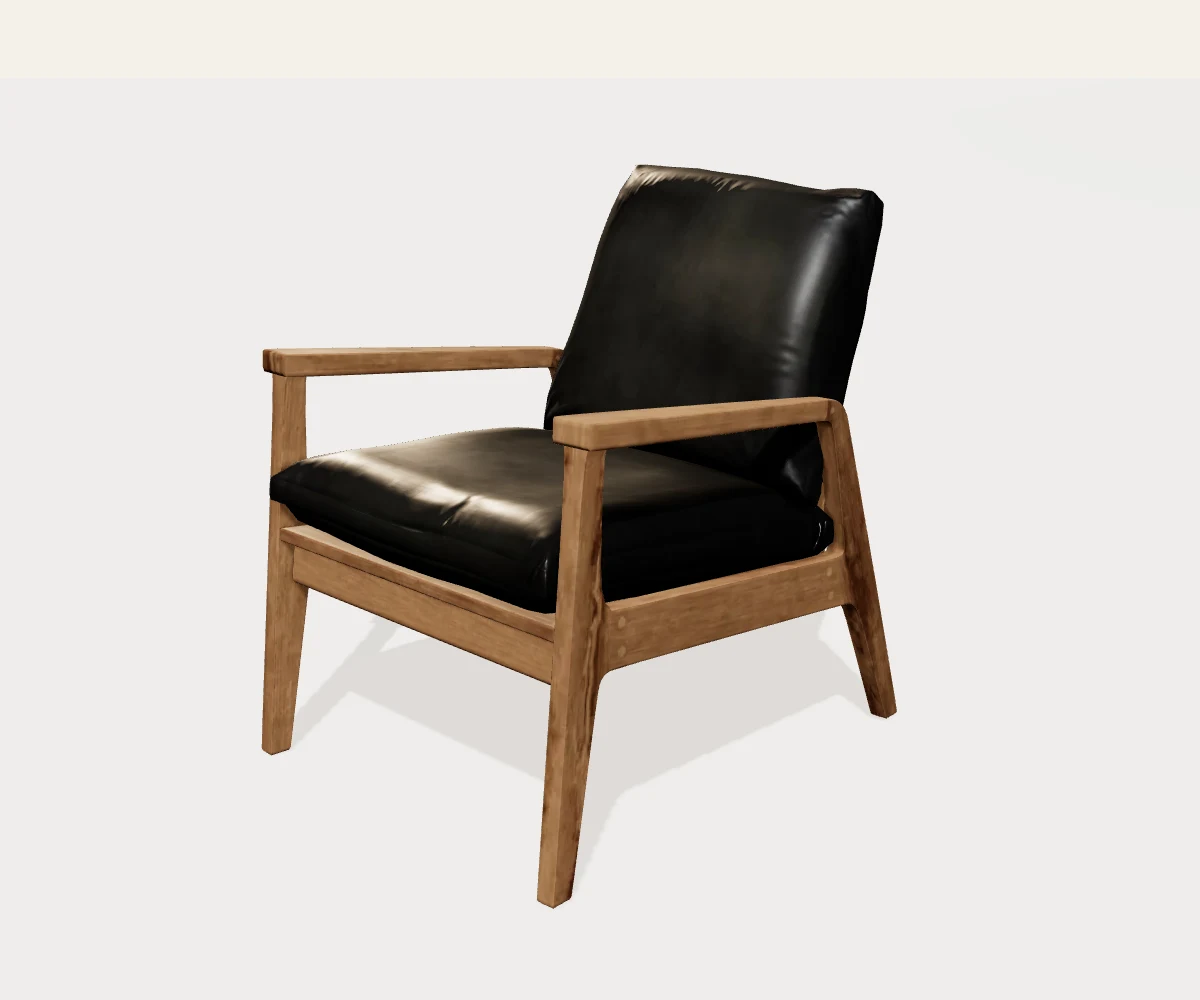
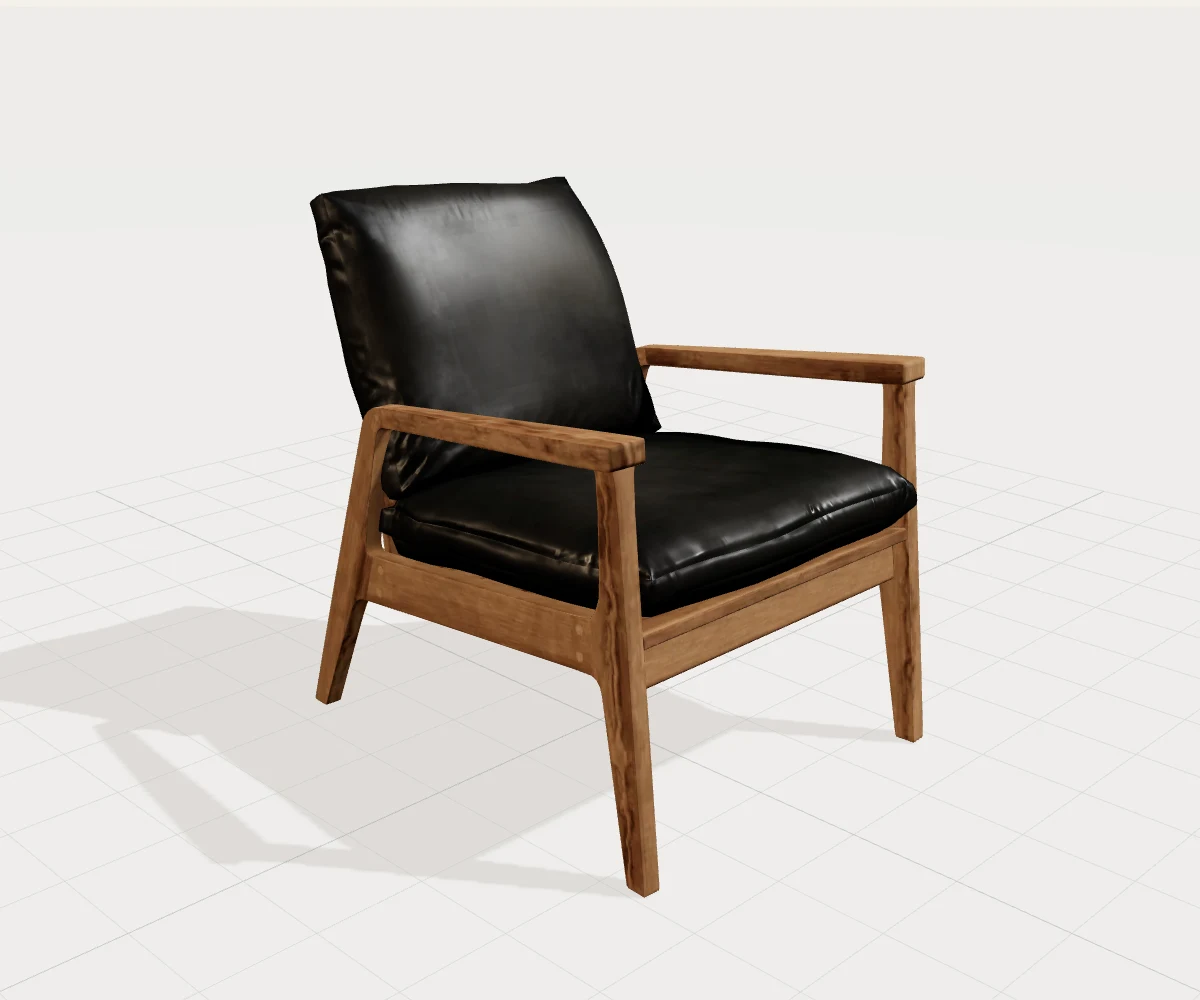
Bring a favorite piece into your next design. Our AI image to 3D model tool turns a furniture photo into a model you can rotate, explore and download, with a matching image for mood boards and presentations.
Free usage for new users. Credit use depends on your chosen model.
Furniture image
3D model
WHY CHOOSE US
A focused AI 3D model generator for the furniture ideas you want to develop. Move from a visual reference to a form you can explore, without building every surface by hand.
Use a product shot or your own photo as the starting point. This 3D model maker gives distinctive chairs, tables and cabinets a place in your creative process, even when they are missing from your usual asset library.
Rotate the model to explore its silhouette, depth and visual balance. Our AI furniture generator helps you study how a piece is shaped, making design conversations easier than working from a single flat view.
New users receive free usage to get started. Choose the generation model that suits your project; credit consumption varies with that choice. The AI 3D generator keeps the creative process centered on your furniture reference.
Download the 3D model for the next stage of your work, or choose its corresponding image for a presentation. Keep an explorable object and a simple visual reference together as your design develops.
An armchair, a sofa, a table: see how each shape reads in three dimensions. Choose a sample to explore the viewer, then start your own image to 3D model project with a furniture photo.
Choose a clear photo of one complete piece, with its legs, arms and edges in view. Start your furniture image to 3D model project with a reference that shows the shape you want to explore.
Select a generation model and let AI build a three-dimensional form from your reference. New users can start with their free usage. The credits needed for generation depend on the model you select.
Turn the result around, zoom into details and compare it with your original picture. Download the 3D file or its corresponding image, ready for the next step in your design process.
A vintage chair or custom cabinet deserves more than the closest library substitute. An image to 3D model workflow starts with your chosen reference, helping you explore the details that make the piece distinctive.
Create a 3D model from image references to study a sofa's volume, a table's profile or an open frame. Compare their visual weight as you develop the direction of a room, alongside measured dimensions for layout decisions.
Make a photo to 3D model conversion part of your client discussion. Explore the form from several angles, then use the corresponding image in a mood board, proposal or project presentation.
A clear reference gives AI more useful information. These small choices make your picture to 3D model workflow easier to review.
Leave a little space around the furniture and include its feet, edges and backrest. A single object keeps attention on its outline, instead of the surrounding room or pieces overlapping in front of it.
A three-quarter view shows the front and side together. Choose a sharp image with soft, even lighting so the seat, legs and surfaces remain easy to distinguish, especially on dark upholstery or glossy finishes.
Use a simple background with good contrast around the piece. Move distracting objects out of view and keep the original photo handy, so you can compare recognizable details with your generated model.
Make the most of each image to 3D model result with a quick review before bringing it into your project.
Rotate around the back, underside and connections. AI reconstructs visible features and estimates surfaces outside the photograph, so reviewing multiple angles helps you choose which details to develop further.
Use the furniture's measured width, depth and height when sizing it in a design. A photograph captures appearance; real measurements give you the scale needed to plan placement and clearances.
Choose a 3D download to continue working with the model, or download the corresponding image for a visual presentation. Keep both with your reference photo to make the project easier to revisit.
Illustrative testimonials — sample copy, not verified customer reviews.
“Seeing the chair from another angle makes the idea much easier to explain. The model and its image would fit naturally into the way I present a room.”
“I like starting with the furniture itself. A photo gives the concept a clear direction, and exploring its shape in 3D is a useful next step.”
“Moving beyond a flat picture makes choosing a style more enjoyable. I can explore the piece and keep an image with the rest of my room ideas.”
From your first photo to your finished download, here are the essentials for getting started.
KEEP CREATING
Take your furniture inspiration further. Explore a room's style, develop a floor plan or bring your next client presentation together with more tools from 3D Room Design.
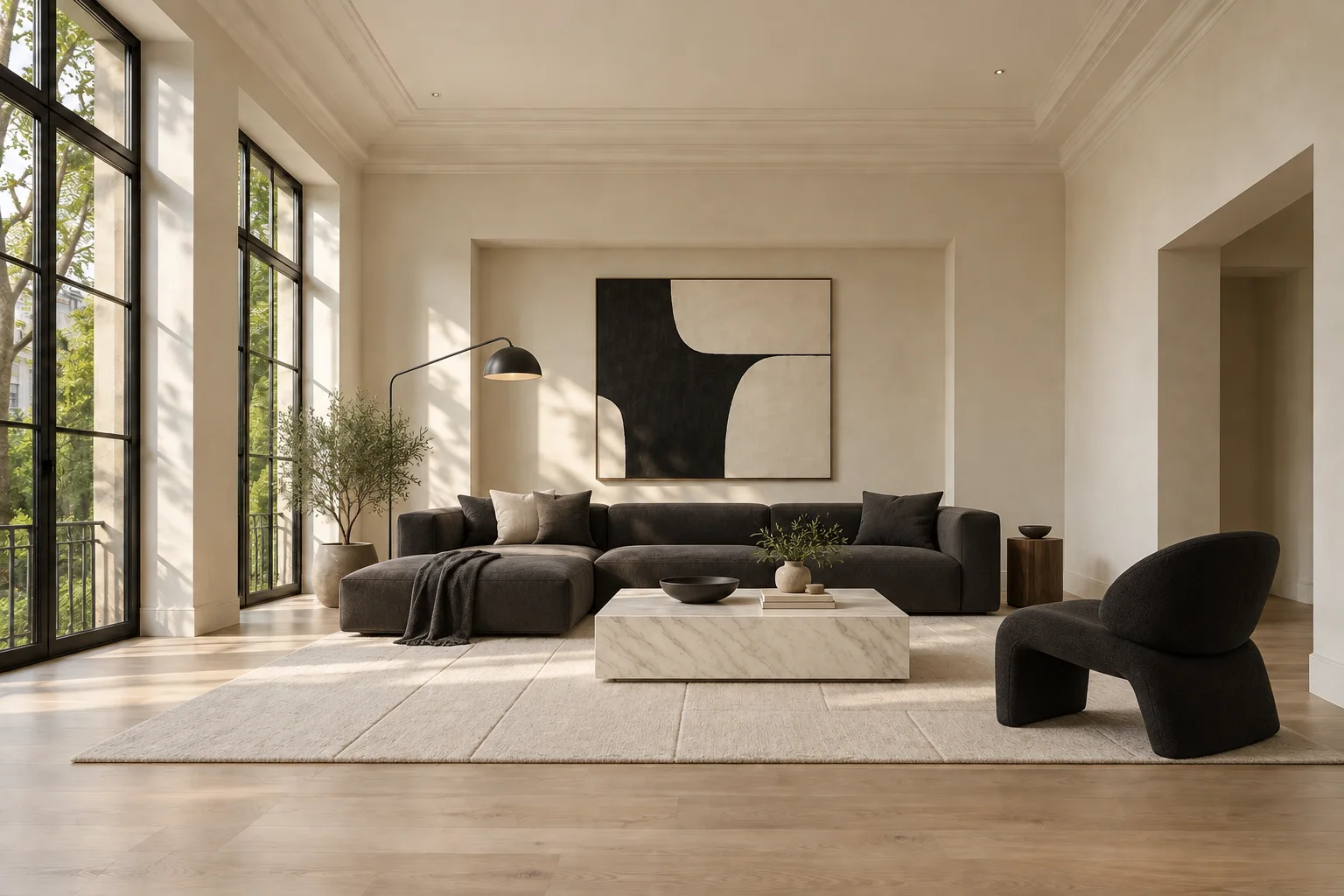
Explore materials, color and atmosphere from a room photo to find a setting for your furniture ideas.
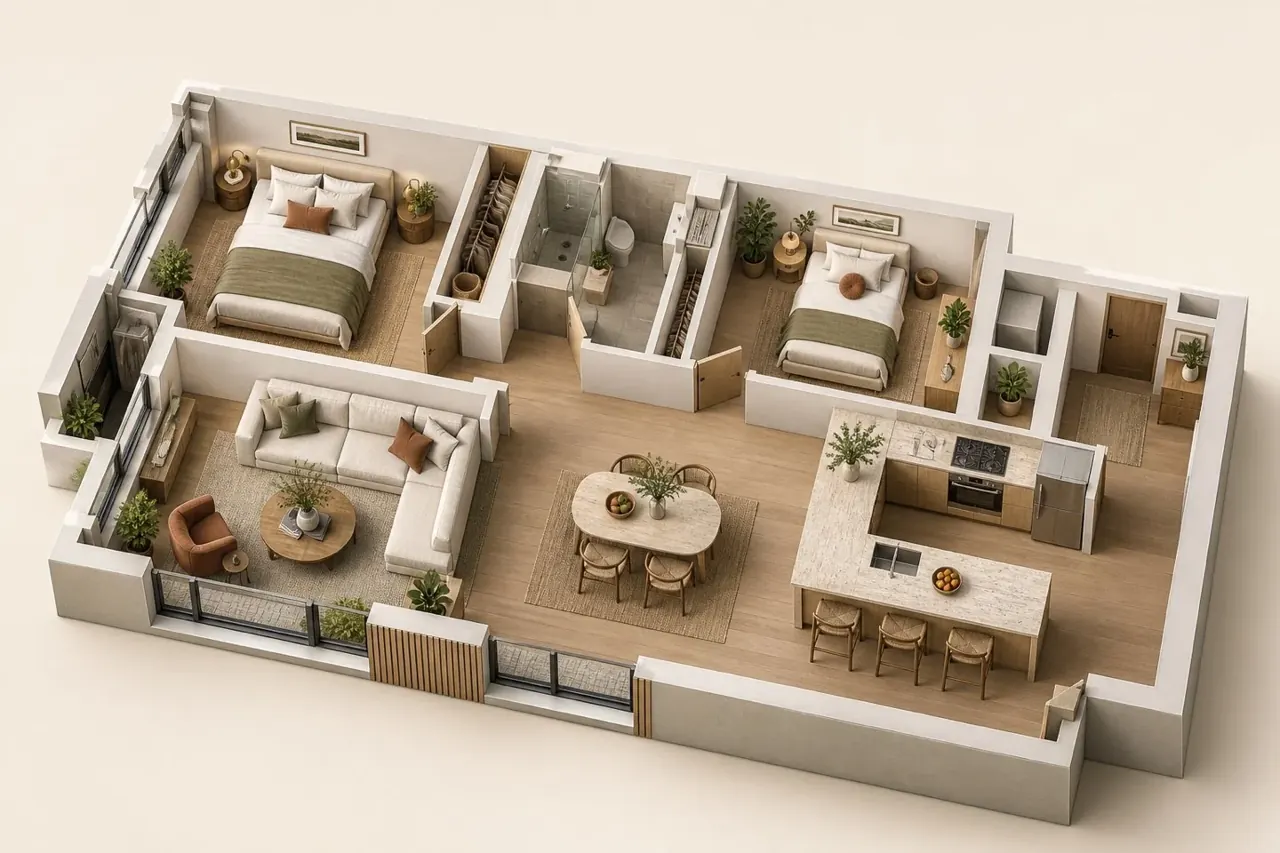
Turn a floor plan into a space you can explore, and consider how the whole layout comes together.
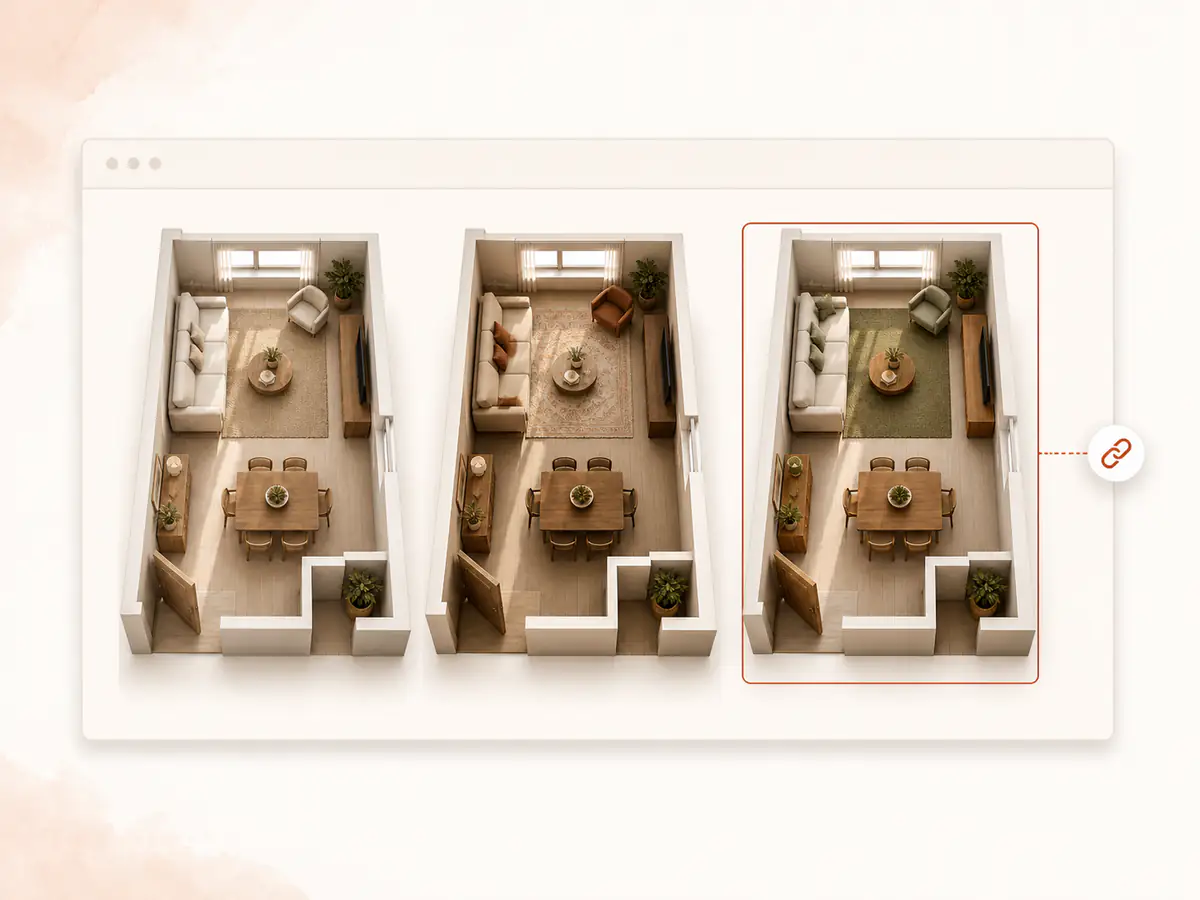
Bring layouts, room concepts and clear visual communication into your next client presentation.
START WITH ONE PIECE
Choose a furniture photo and bring your idea into view. Explore the result, download the model or its image, and take the next step in your design. New users can get started with free usage.
Create a 3D model