
For homeowners planning a renovation or remodel

See your renovated home before the work begins

You can approve a style and quote, then discover after the dust settles that the room feels darker, colder, or busier than you pictured. A sample door and saved photos do not show the whole space together.

Tell your partner you want “warm and simple” and they may picture pale oak while you mean walnut, deeper color, and softer light. A contractor may hear the same words and imagine a third room.

Before anyone orders materials, give everyone the same room to look at.

Three steps before construction

Move from the floor plan to one agreed direction

No sales call, local contractor match, or installation is required. Start with your plan, compare in the browser, and share only the version you want discussed.

  1. 01

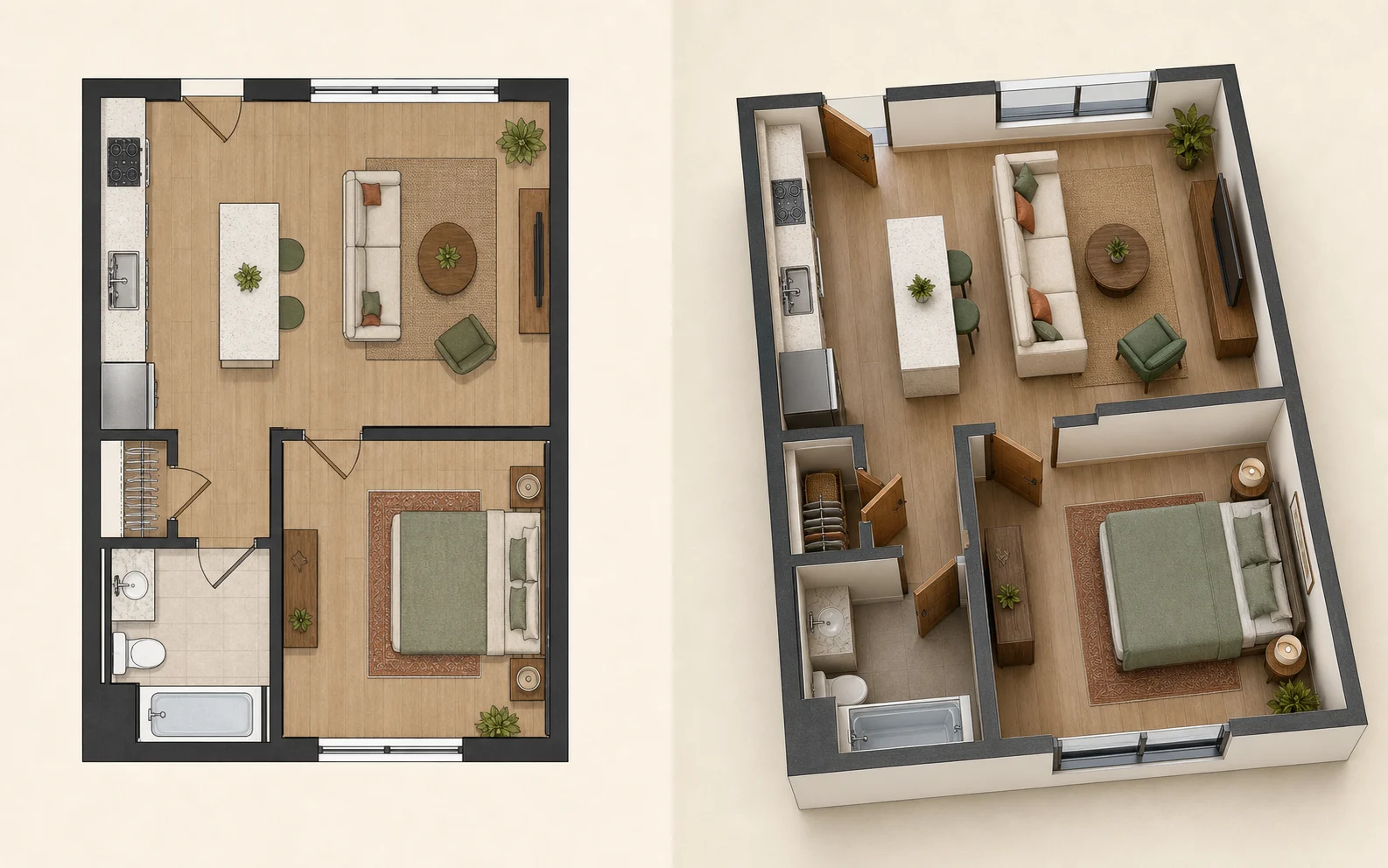
    Bring the floor plan you already have

    Upload the plan from your purchase documents as PDF, JPG, or PNG. If you do not have one, draw the layout in the built-in Floor Plan Creator. Check room shape and openings before continuing.

    Homeowner checking a floor plan before turning it into a 3D room
  2. 02

    See the same room in different styles

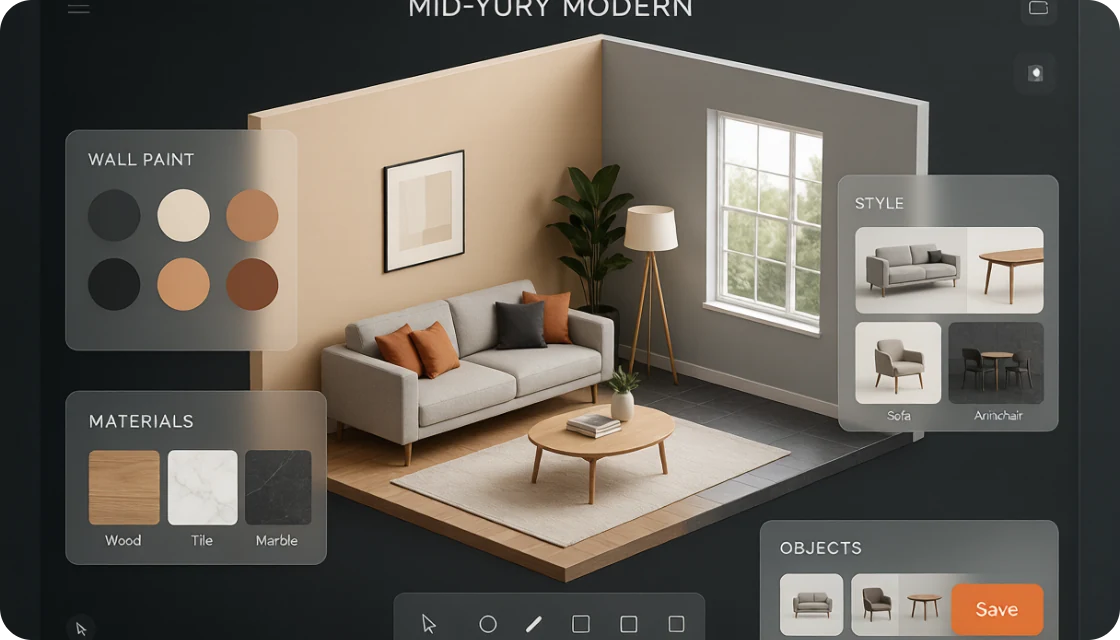
    Use 3D Design to turn the plan into a viewable 3D room. Try a light modern or warmer wood direction without changing the space. Models and styles use different numbers of credits; each result is generated in minutes.

    See what happens in 3D Design before you prepare your plan.

    Homeowner trying different styles in the same 3D room
  3. 03

    Save the versions and agree on one

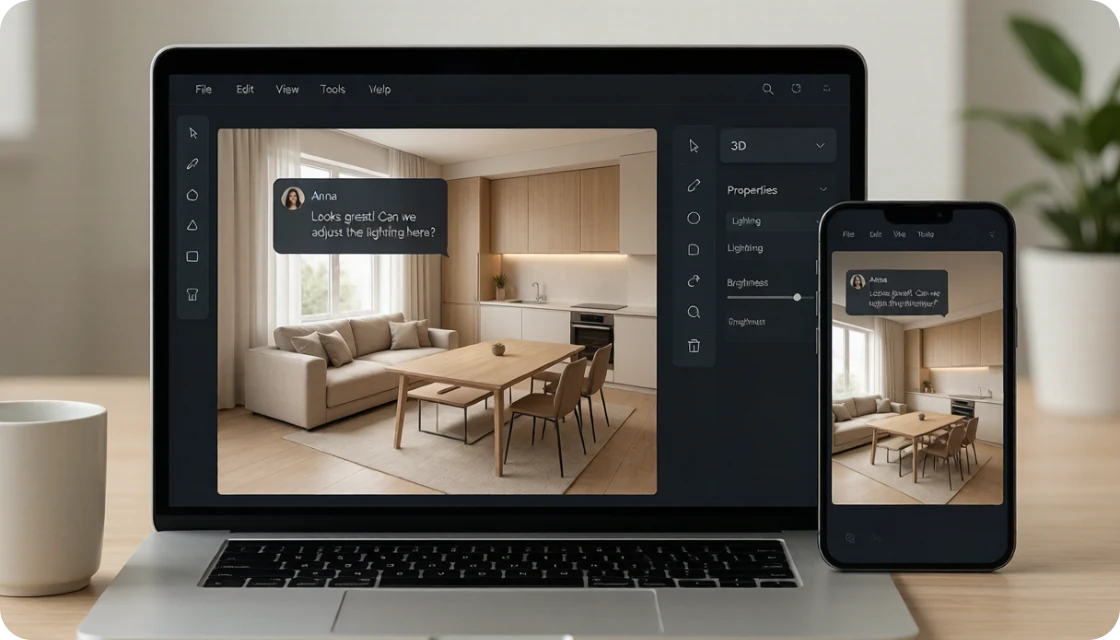
    Results stay in Designs history for side-by-side comparison. Choose the version that reflects your decision, then send its link to your partner, family, or contractor so everyone discusses the same visible reference.

    Homeowner sharing one saved design with family and a contractor

Same space, two directions

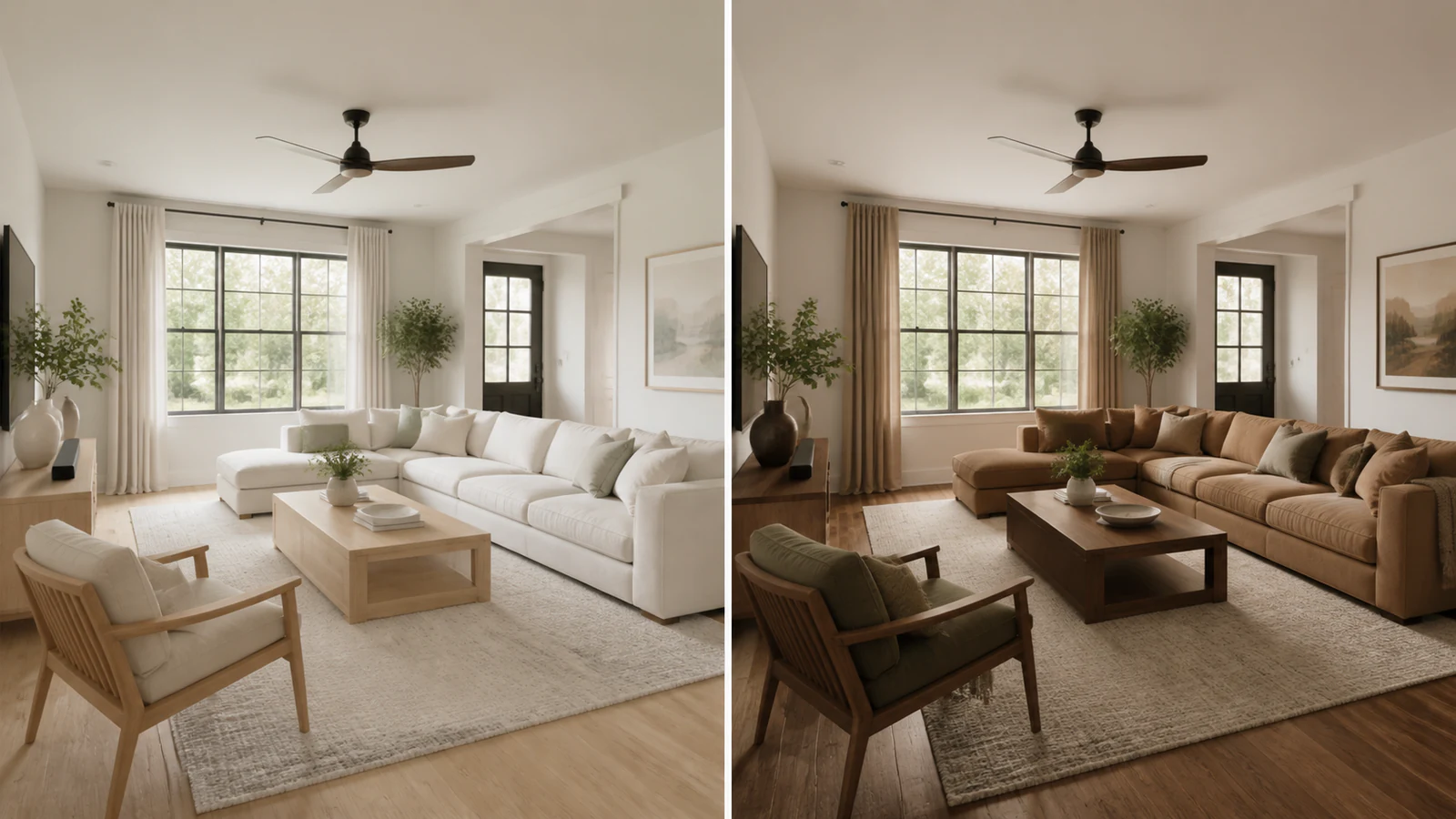
Change the style without changing the room

Both views keep the living room layout and camera position consistent. The left uses pale modern finishes; the right uses warmer wood and deeper textiles. Side by side, a vague preference becomes a choice you can point to before it becomes a purchase list.

Homeowner comparing the same living room in light modern and warm wood renovation styles
One homeowner floor plan, two style directions to compare before choosing finishes.

Before you commit the budget

Replace four expensive guesses with visible decisions

This is not a construction drawing or a promise of the exact finished build. It helps settle the look and explain what you want before changes become expensive.

Before
A style described with loose words and saved photos
After
A 3D room showing one clear visual direction

Choose the feel before choosing every finish

Decide whether the room feels light, warm, calm, or too busy. That gives later finish and furnishing conversations a shared starting point.

Before
Two ideas remembered from separate conversations
After
Different styles compared side by side

Compare instead of trying to remember

Designs history keeps versions together. Judge the same space under different styles instead of guessing from tabs, screenshots, and memory.

Before
Paying before you know whether the workflow fits
After
30 free credits after the first login

Try a real direction with starting credits

A new account receives 30 free credits on first login. Models and styles consume different amounts, so prioritize important comparisons. This is not unlimited free use.

Before
A partner and contractor picturing different rooms
After
One link pointing to the selected result

Give the renovation one visual reference

Share the result through a link. Your partner and contractor can see the chosen direction without interpreting another string of adjectives.

Review the current credit options before planning a larger set of comparisons.

FAQ

Questions homeowners ask before they start

Clear boundaries prevent bad assumptions. Here is what to prepare, what the first credits cover, and how to share the result.

Your self-serve starting point

Settle the look before the first order is placed

Use your floor plan, generate directions in minutes, keep versions in Designs history, and share one link. It runs in the browser with no installation, booking, sales call, or local contractor requirement.

Show me my home before renovation