
Begin with your actual yard
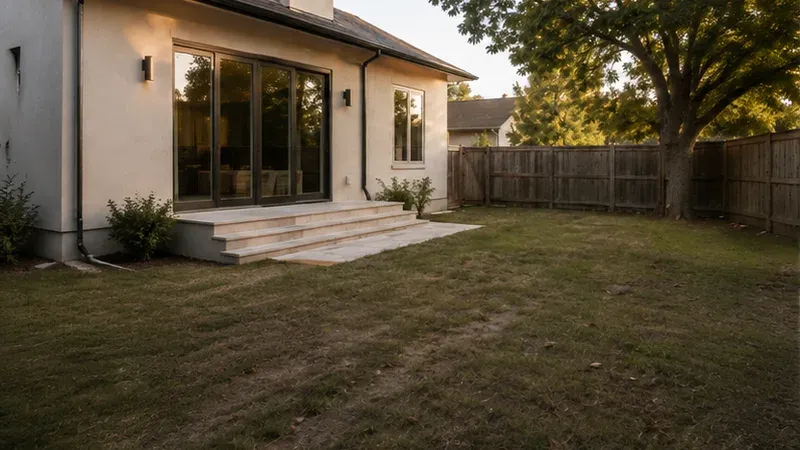
A saved inspiration photo cannot show how a patio sits beside your back door. Upload your own view so the house, fence and existing trees give each idea a useful frame of reference.
A little more life outside
That empty corner could be a reading spot. That tired lawn could make room for dinner outside. Start your AI backyard design with a photo of your own yard and see a different way to use the space you already have.
Design My Backyard NowOpen the workspace and prepare your photo. Sign in to generate; the button shows the credit cost before you start.
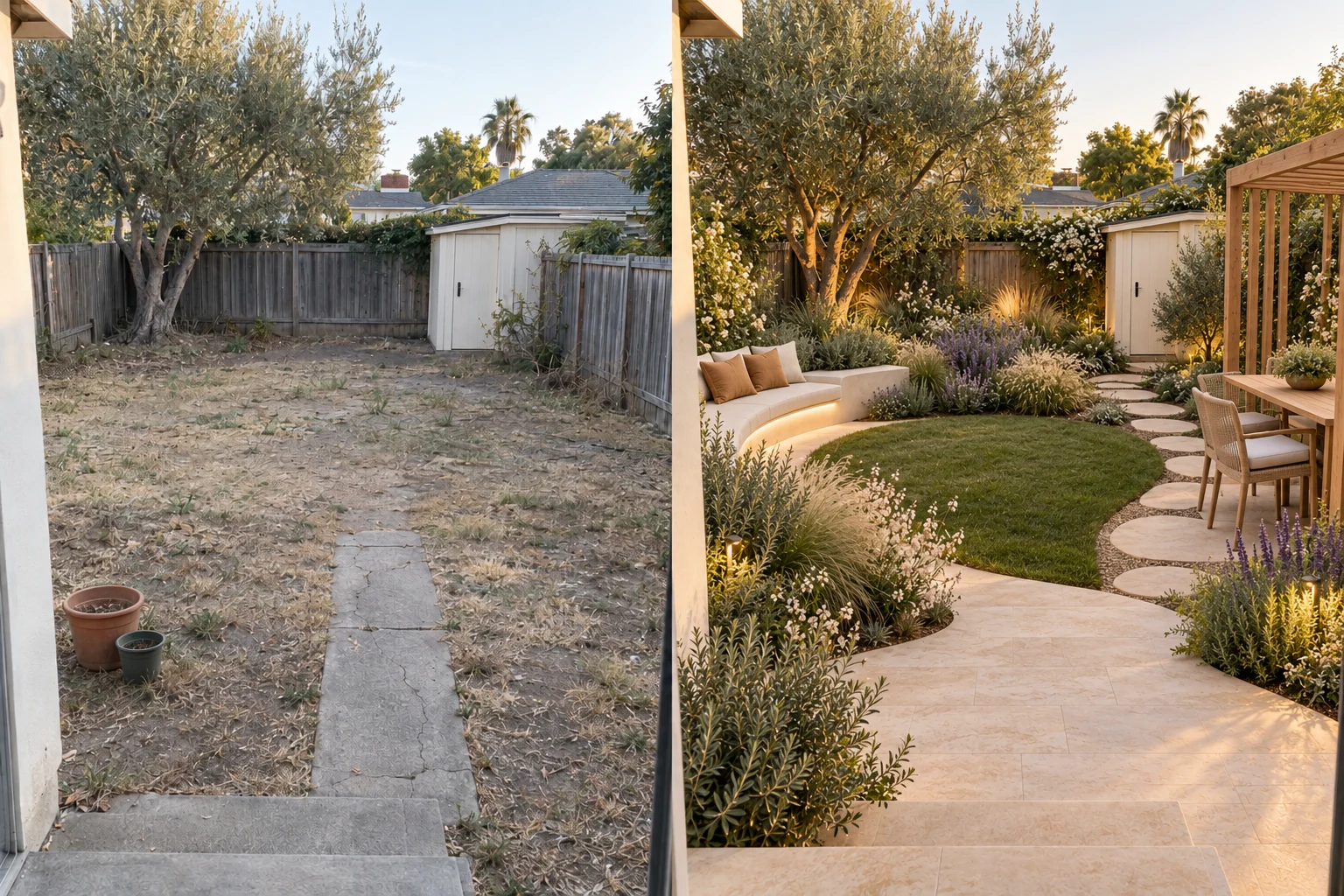
Illustrated workflow using a garden concept.
Take a daylight photo that includes the ground, boundaries and back of the house. Upload a JPG, PNG or WebP, then crop distractions if needed. You can prepare your image before signing in.
Choose a style, intended use and elements to add or keep. Turn “AI design my backyard” into a specific brief: a dining table near the kitchen, a clear path to the gate, and the existing shade tree left in place.
Choose the model and number of images, review the displayed credit cost and generate. Compare the concepts with your photo, refine a selected area or download a favorite. Your saved landscape designs are available in History.
A saved inspiration photo cannot show how a patio sits beside your back door. Upload your own view so the house, fence and existing trees give each idea a useful frame of reference.
Select the trees, lawn, pool or pergola you want to retain. Backyard AI design gives those choices a place in the brief, so you can focus on the areas that need attention. Check the result against your original photo.
Choose outdoor dining, family time, quiet relaxation or easy maintenance as your priority. Add seating, paths, planting and lighting to help the design reflect how you actually spend time outside.
Generate several concepts with the same photo and settings. Use the before-and-after view to look at circulation, planting depth and the balance of paved and green areas, before spending money on materials.
A promising concept does not need a completely new brief. Select an area of the result and describe a change, such as replacing gravel with paving or softening a fence with planting.
Download the image and discuss it with your household or landscaper. A shared picture makes it easier to explain the atmosphere, layout and details you want to develop into a measured plan.
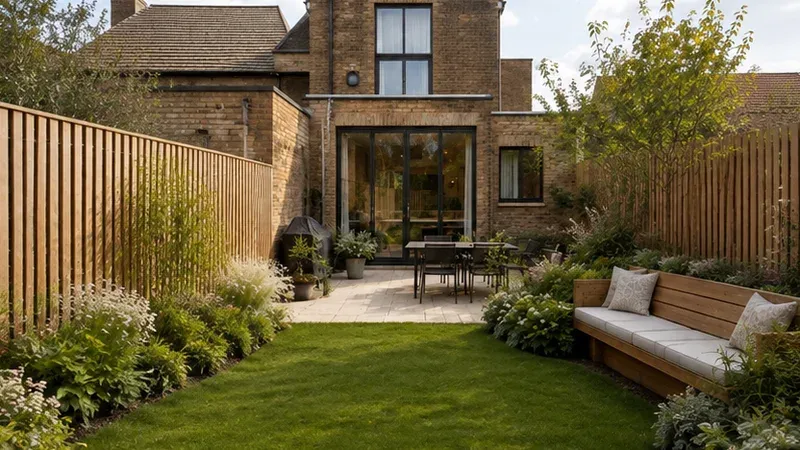
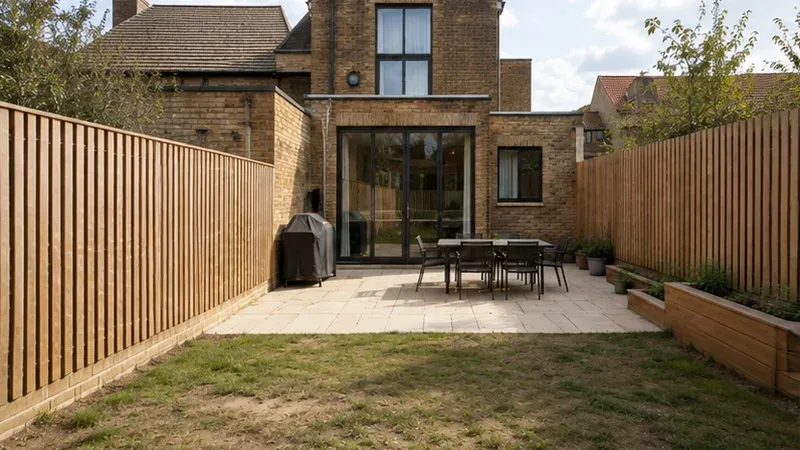
Drag to compare the two concepts
An open center for play, planting around the edges and seating within sight of the house: this family concept shows how a few clear zones give a yard purpose. The paired images are concept illustrations.
AI concept illustration
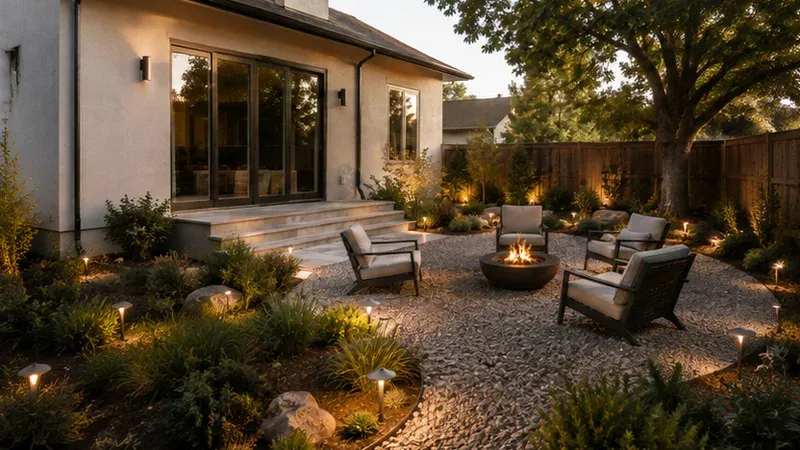
Drag to compare the two concepts
Warm lighting and a comfortable gathering spot change the way the garden feels after sunset. Use this backyard AI design direction as a starting point for your own seating, paths and planting choices.
AI concept illustration
Keep one clear route from the back door to the gate. Place seating against a boundary and group planting instead of scattering pots across the ground. A useful “AI design my backyard” brief names the furniture you need and the space you want to leave open.
Ask for a smaller lawn, simple planting groups and paths that reach the beds. Add local conditions and your watering preferences in the instructions. If you are looking for AI backyard design free, prepare this brief first, then check your account balance and the generation cost.
Start with the number of seats and the route from the kitchen. Ask for shade over the table and lighting along the path. AI backyard design helps you compare the look; confirm dimensions, drainage and plant suitability with a local professional before building.
Illustrative reviews: the names and situations below are fictional examples, not verified customer testimonials.
“My brief started as ‘AI design my backyard.’ Adding a place for two chairs and keeping the old tree made the idea much easier to picture.”
“I thought we needed a larger patio. Comparing the pictures helped me see that moving the seating could leave a better space for the children.”
“I searched for AI backyard design free because I wanted to explore before buying anything. Seeing the cost before generating helped me decide how many ideas to try.”
Start your AI backyard design with a clear photo and a useful brief. Find answers about credits, small spaces and taking the next step.
Take a view from the back door, choose what to keep and give the space one clear purpose. See the possibilities before choosing what to build.
Design My Backyard Now