Gravity drop
Furniture drops into place with a natural bounce.
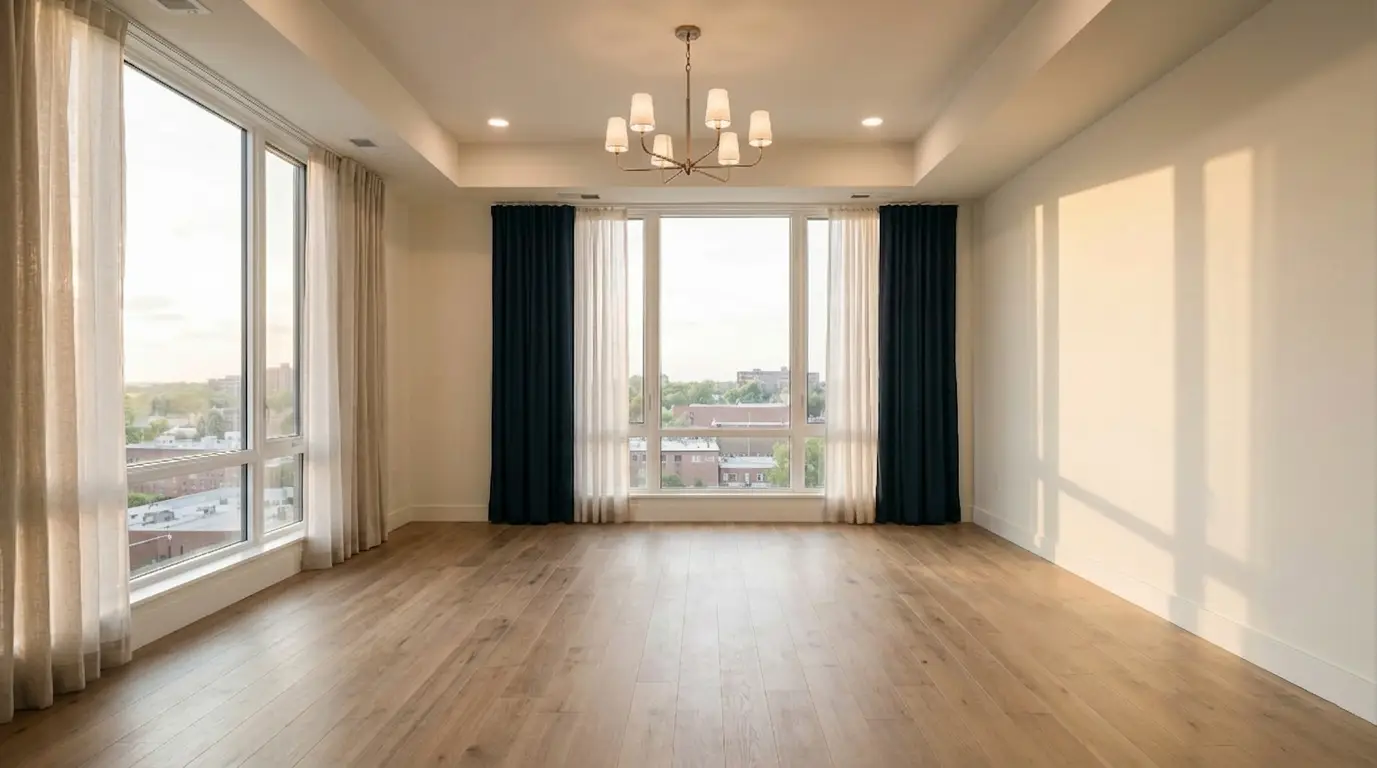
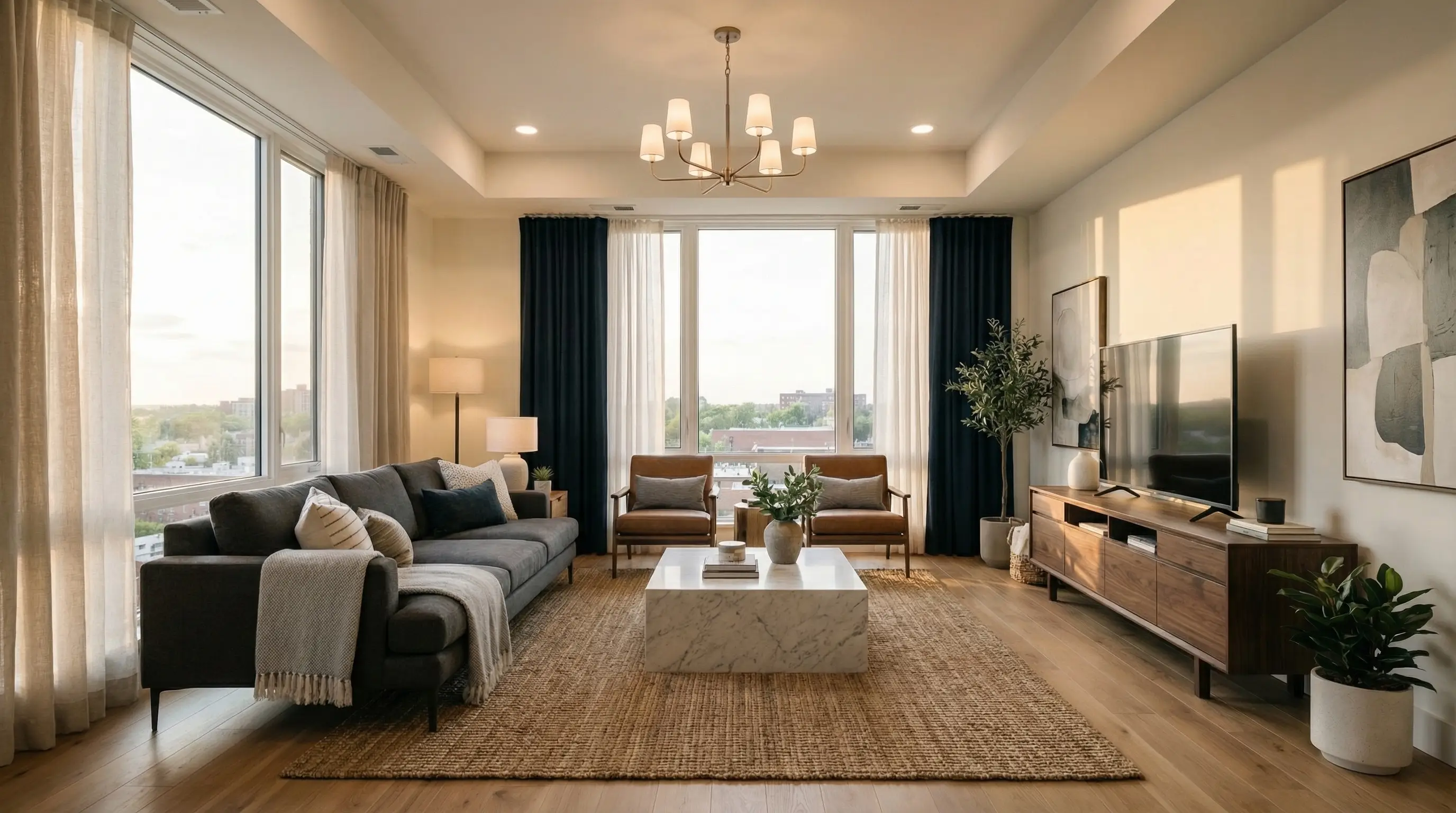
Two photos. One room transformation.
A vacant room shows the space. A furnished room shows its potential. Bring the two together in an AI room design video that lets people watch the design take shape.
Create an AI room design videoExplore the transitionsChoose the movement that fits the room and the way you want to present it. These examples show different furniture entrances, from a quiet fade to a quick installation sequence.
Furniture drops into place with a natural bounce.
Furniture pops in, bounces gently and settles.
A quick burst assembles the finished room.
A moving beam reveals the furniture.
The empty room smoothly transforms into the furnished design.
Furniture fades in for a simple, understated reveal.
Animated workers furnish the room in a timelapse.
Describe your own furniture movement and reveal.
An empty listing leaves buyers doing the decorating in their heads. Show a proposed living area, dining spot or bedroom setup in a short sequence instead.
As an AI real estate video maker, this tool turns your before-and-after pair into a presentation you can use alongside the original property photos. Label virtually staged footage clearly so the existing room and the proposed furniture remain easy to distinguish.
An AI room layout video helps a client follow where the furniture goes. Start with the same camera angle in both images so windows, doors and wall edges provide steady reference points.
The animation connects the empty floor area to the final arrangement. Use an AI room layout video to discuss a seating group or dining setup, then check dimensions and circulation against your measured plan.
Your AI furniture design image supplies the finished look: the sofa, the rug, the table and the details you have already chosen. AI image to video adds the reveal between that design and the empty photo.
It does not replace the furnished reference with a new brief. Review the last frame beside your AI furniture design image before sending it to a client.
A client presentation needs breathing room; a short social post needs a quick opening. Choose your transition and framing to suit the destination.
AI image to video gives you a focused clip to place in your own presentation or edit. Use this AI real estate video maker for a single room reveal, then add your own listing details, captions and brand elements in your usual publishing workflow.
Choose an empty room photo and a furnished image of the same room. Match the viewpoint and framing as closely as possible. A clear pair gives AI image to video a consistent starting frame and finishing frame, with fewer competing changes to interpret.
Pick one of seven transitions, or describe your own movement with a custom prompt. Select the available video settings in the workspace. For an AI room layout video, a classic fade or light sweep keeps attention on furniture placement; a bounce adds energy to a social reveal.
Watch the entire AI room design video, including the first and last frames. Check the furniture, architecture and crop before downloading. Pair the clip with your AI furniture design still when clients need time to inspect materials, finishes or individual pieces.
Illustrative customer scenarios; names and comments are examples.
An AI room layout video gives me a simple way to introduce a scheme before we get into fabrics and finishes. I show the movement first, then leave the furnished still on screen for the discussion.
“I use an AI real estate video maker to explain the potential of an empty living room. The original photo still sits beside the staging concept, so the viewer understands exactly what is being proposed.”
“AI image to video makes the handover feel more complete. The client gets the empty photo, the finished concept and a short reveal that connects the two without a long explanation.”
Bring your empty photo and your furnished reference. Choose the reveal, watch the transformation, and give the design a few seconds of movement.
Create an AI room design video