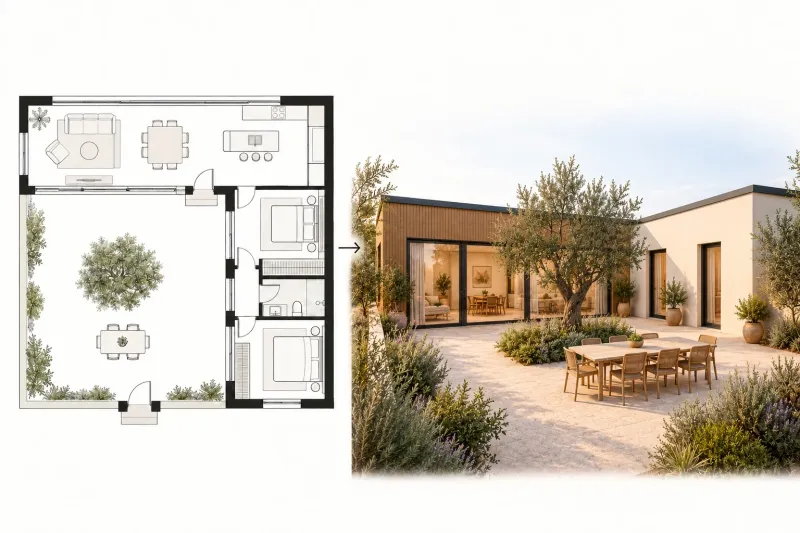
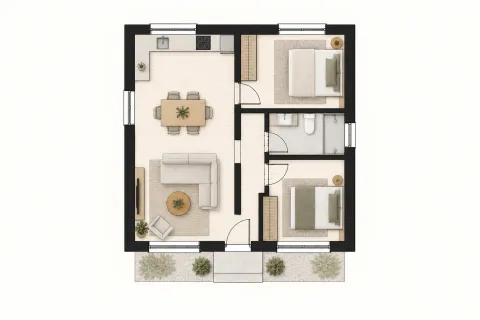
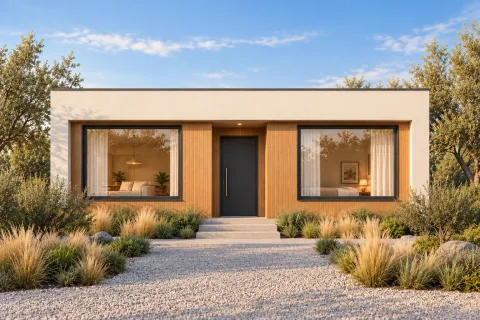
FROM THE PLAN TO THE STREET

2D Plan to Elevation AI: imagine the outside

Your layout tells you how a home works. 2D plan to elevation AI helps you see how it could look. Upload a floor plan, choose the view and number of floors, then explore an exterior with the character, materials and entrance you have in mind.

Upload a floor plan · Explore the exterior · Refine your design

Floor plan
Floor plan
Exterior elevation
Exterior elevation
Elevation view
Front
Number of floors
1
Architectural style
Modern

From floor plan to building exterior

Use 2D plan to elevation AI to turn a top-down layout into an exterior you can picture. Start with your floor plan, then explore a front elevation, a two-storey facade or an outside perspective. Each pair below connects the input plan with a building exterior.

Front

Turn your floor plan into a front elevation

Start with a clear floor plan showing the entrance, walls and windows. Choose Front to explore how the street-facing facade could look, from the living-room glazing to the main doorway. The plan and exterior stay visible together so you can connect the layout with the result.

Create my elevation
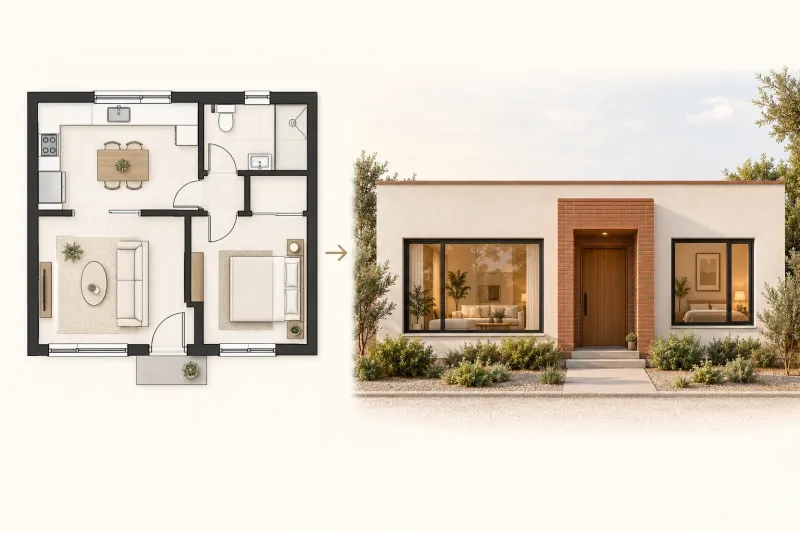
A single-storey floor plan alongside its front exterior with a central entrance and windows on both sides
Floor planExterior elevation
Number of floors: 2

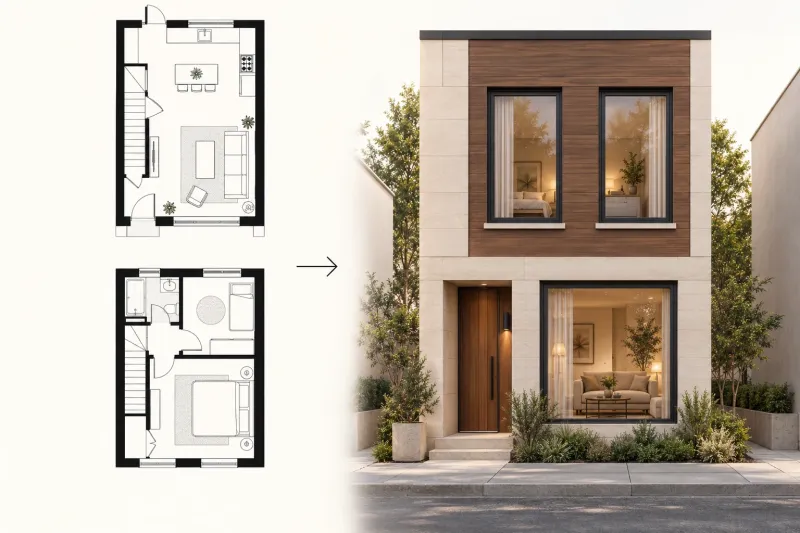
Visualize a two-storey home from its plans

Show the floor layouts together in one image and set the number of floors to two. Explore how the ground-floor entrance and upper-floor windows come together in one building exterior. Add your preferred roof, cladding and architectural style before generating.

Create my elevation
Ground-floor and upper-floor plans alongside a two-storey townhouse exterior
Floor planExterior elevation
3D perspective

See your layout from outside

Choose a perspective view to explore the exterior beyond a flat front elevation. This courtyard plan becomes an outside view of the connected building wings, doors and glazing. Use the result to discuss how the facade materials and outdoor spaces work together.

Create my elevation
An L-shaped courtyard floor plan alongside the finished building exterior viewed from the courtyard
Floor planExterior elevation

Make the next design conversation visual

For homeowners

Use 2D plan to elevation AI to connect the rooms you have planned with an exterior you can picture. Explore the entrance, window rhythm and facade balance together instead of making separate decisions from swatches and sketches.

For designers

Bring a floor plan elevation into early design discussions. Compare a restrained modern frontage with a warmer traditional option, then keep the preferred result in history with its source and settings. A shared image makes feedback more specific.

For builders and renovators

Use floor plan to elevation AI to clarify a client’s preferred appearance before detailed documentation. Discuss cladding, roof character and how the front door relates to the living spaces. Download the selected image to keep the design brief focused.

Choose the side you want to see

2D plan to elevation AI offers front, rear, left and right views, plus automatic view selection and a 3D perspective. A floor plan elevation shows the building from outside; the plan itself shows its layout from above. Mark the entrance and orientation clearly to guide the relationship between those two views.

Front elevation
Study the entrance, street-facing windows and overall welcome.
Rear and side elevations
Explore garden-facing openings, side walls and facade continuity.
3D perspective
See the facade materials and building volumes together from an eye-level angle.

How to use 2D plan to elevation AI

  1. 01

    Upload a clear plan

    Use a JPG, PNG or WebP image up to 20 MB. Include the complete outer wall outline and visible doors and windows. Crop out unrelated notes without losing the building footprint.

  2. 02

    Choose your exterior

    Set one to four floors, select the view, and choose a style and material. Tell floor plan to elevation AI which edge faces the street, what roof you prefer and any details you want to explore.

  3. 03

    Generate, compare and refine

    Choose Basic or Pro and one to four images. Review the floor plan elevation alongside the input, download your favorite, or refine a selected area. Your history keeps the source, settings and results together.

Refine the facade, keep your floor plan

Use 2D plan to elevation AI to explore different architectural styles from the same layout. Change the facade materials, adjust the view or describe a roof shape, then compare the results alongside your plan. Select an area to refine a detail and return to previous designs through history.

Looking for 2d plan to 3d elevation ai free?

If you are looking for 2d plan to 3d elevation ai free, focus on what you want to visualize: a welcoming entrance, a different window arrangement or a new facade material. Upload a clear plan, choose your exterior direction and explore the trial options available to your account.

Create my elevation

2D plan to elevation AI: your questions answered

Give your floor plan a face

Bring your layout into view with 2D plan to elevation AI. Start with the plan you already have and explore the exterior you want to come home to.

Create my elevation