
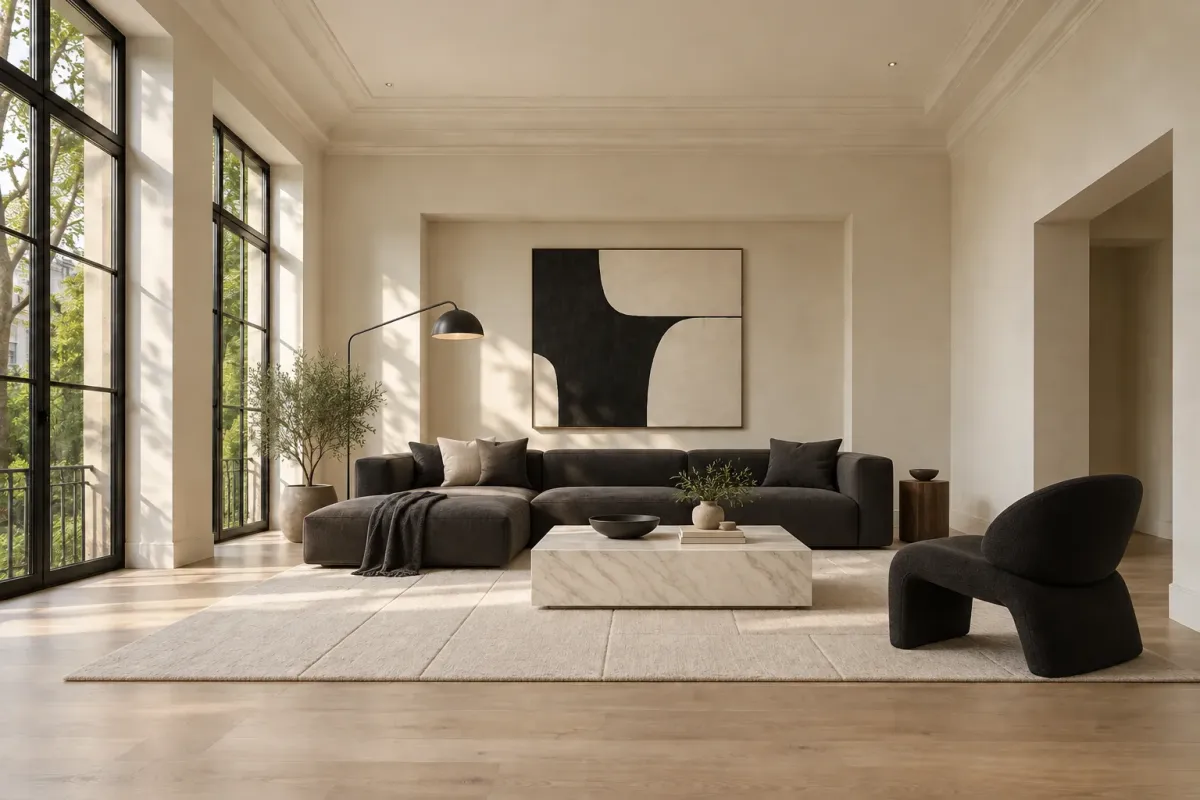
AI Room Design — Modern
AI Room Design
Upload a photo of your room, choose a style, and compare a new look with your original space.
Try it free when you create an account.
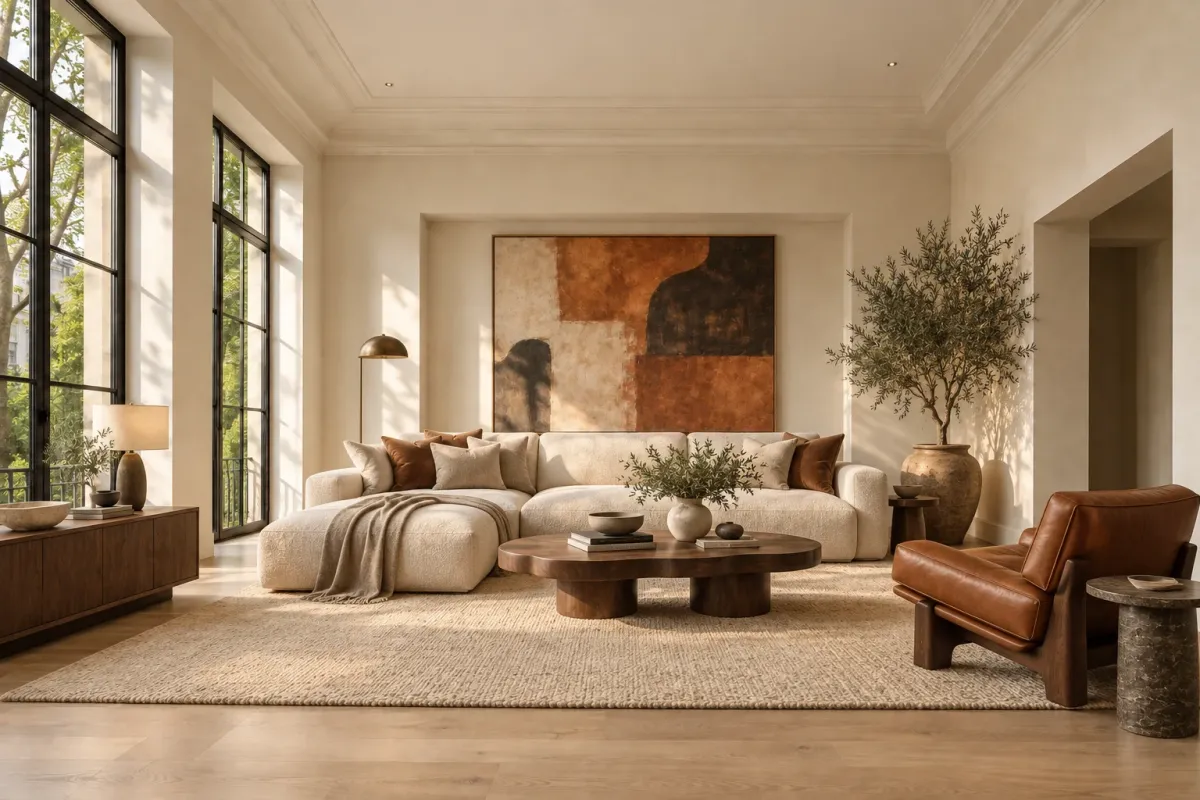
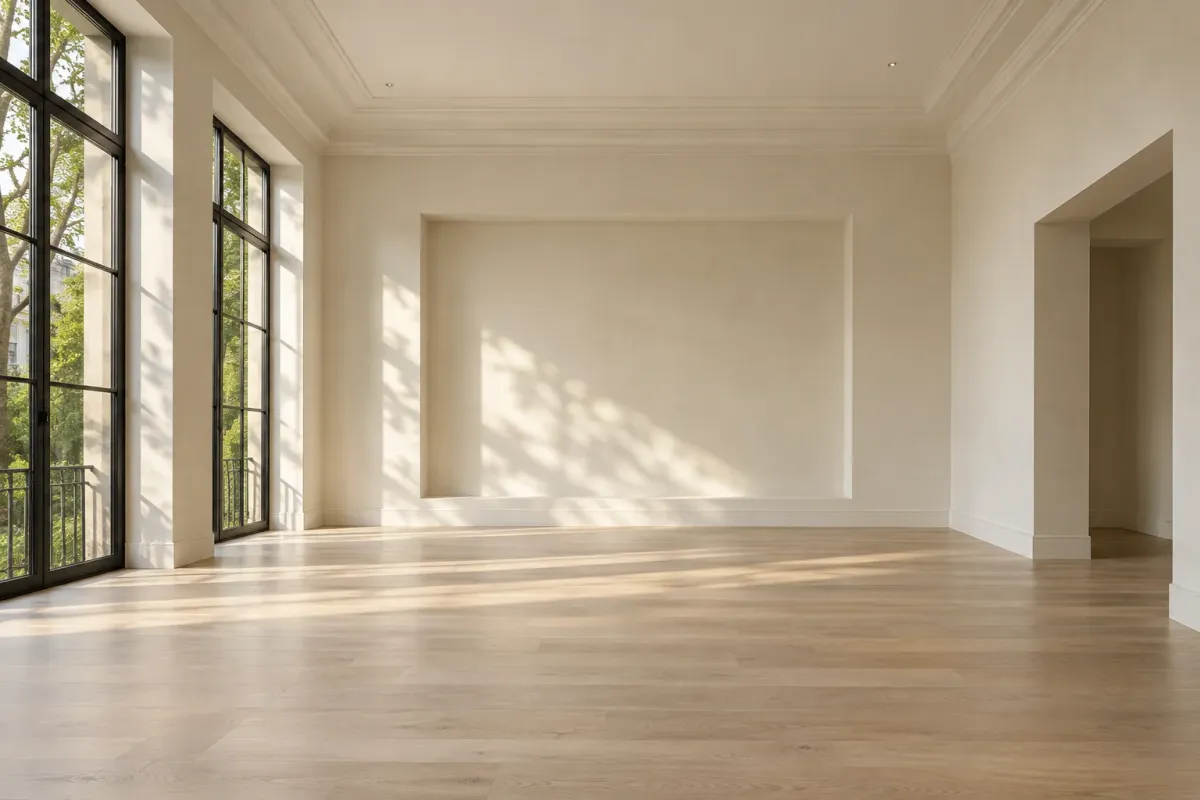
Drag to explore the before and after
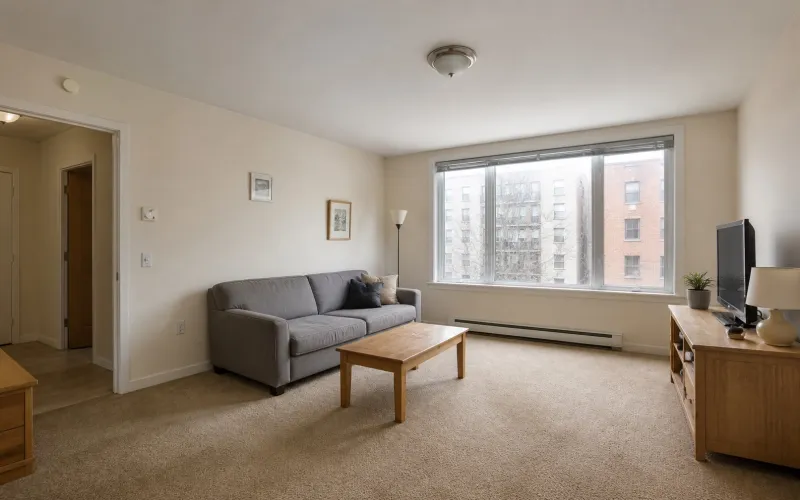 Before
Sign in and upload a clear photo showing the main walls, floor, and furniture of the room you want to redesign.
 Cozy Scandinavian
 Warm Japandi
 Modern Minimal
Select a style from the available options to guide the look of your generated room image.
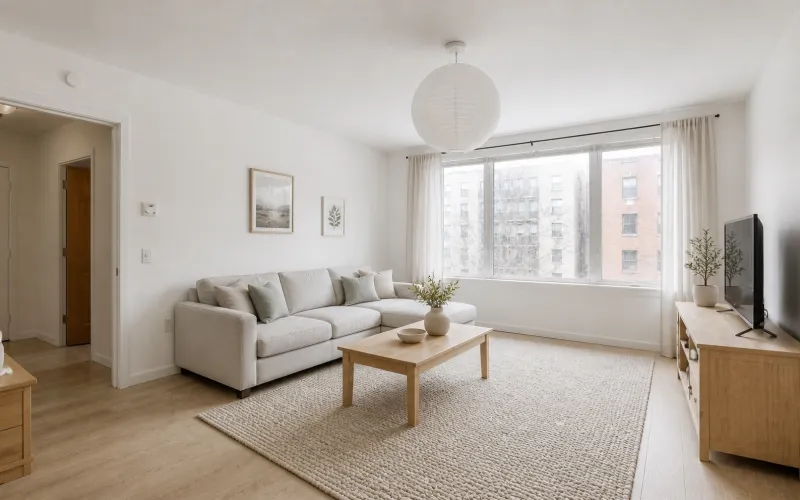 After
AfterGenerate your redesigned image and review the result. Use the same photo with another style to explore more possibilities.
AI Room Design
Start with your existing space and explore new ideas for furniture, colors, and decor. Compare the result with your original photo, notice the details you like, and try another style.
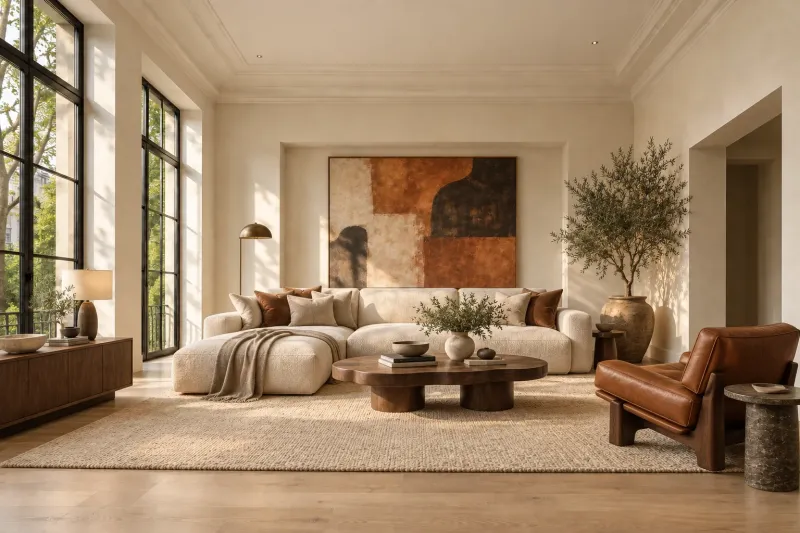
AI Room Design — Modern
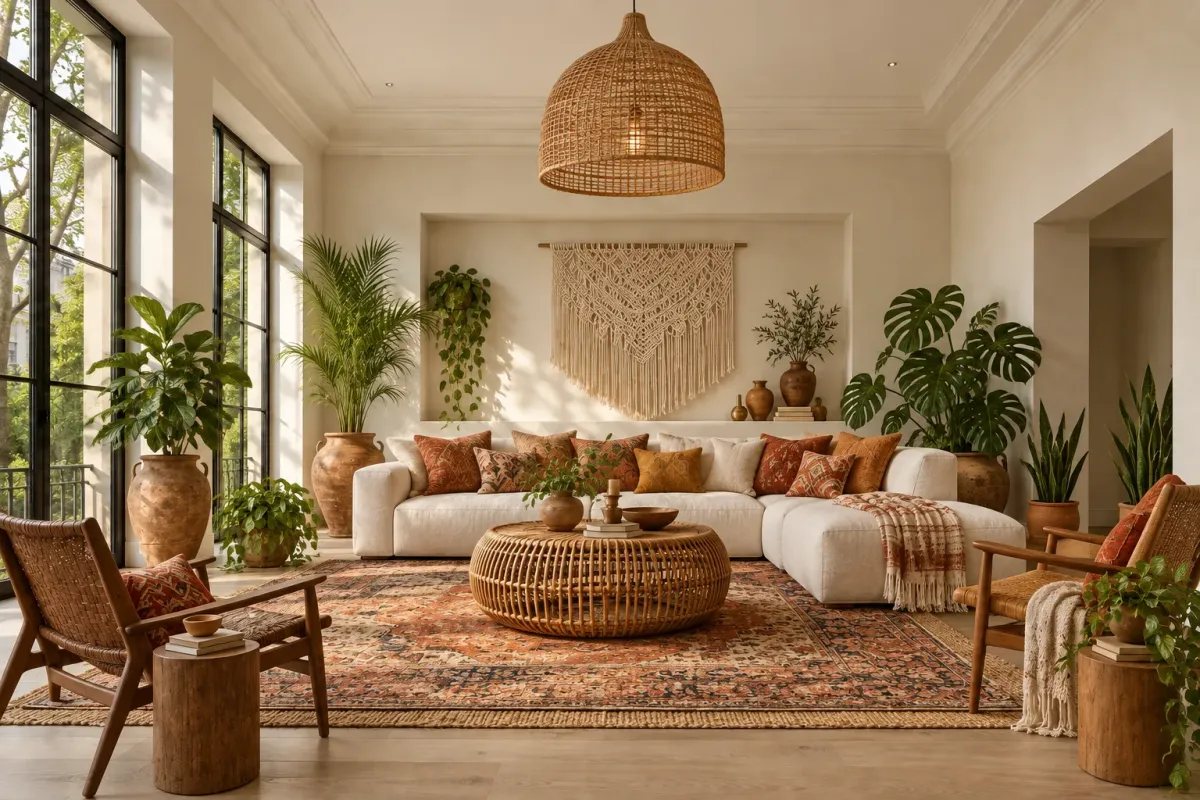
AI Room Design — Bohemian
AI Room Design — Contemporary
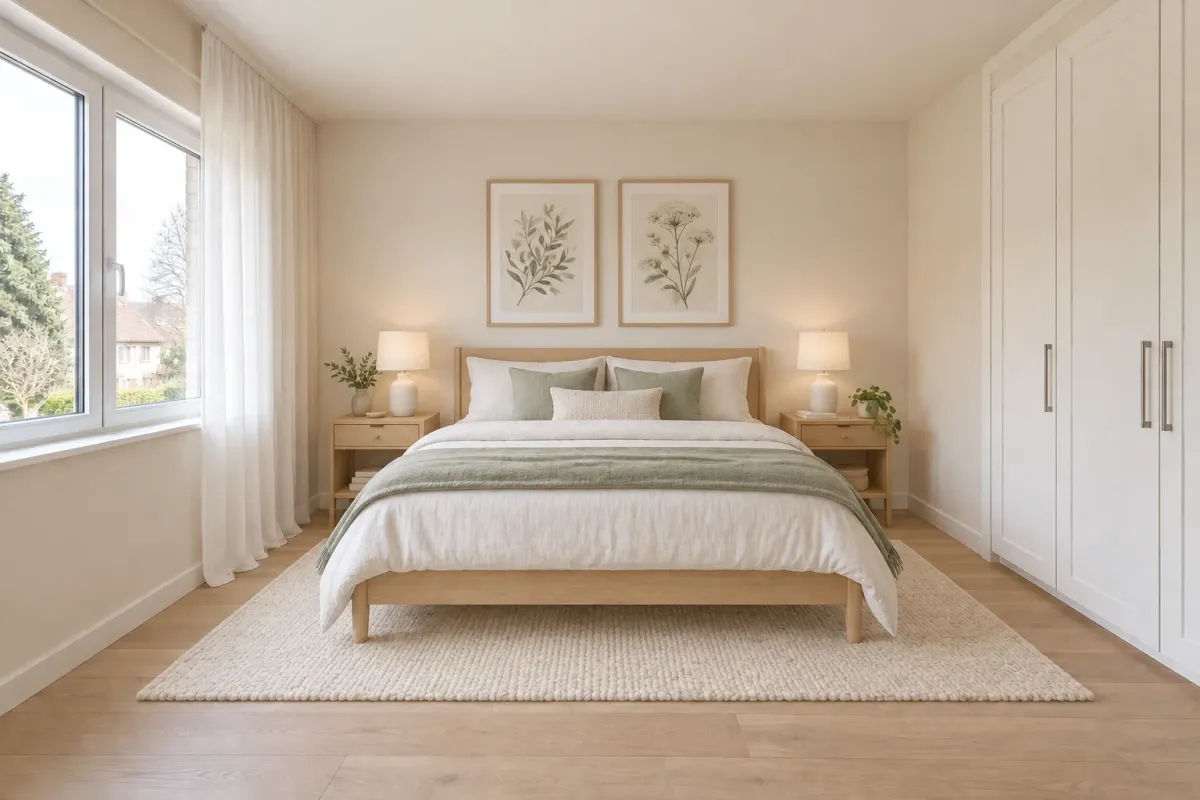
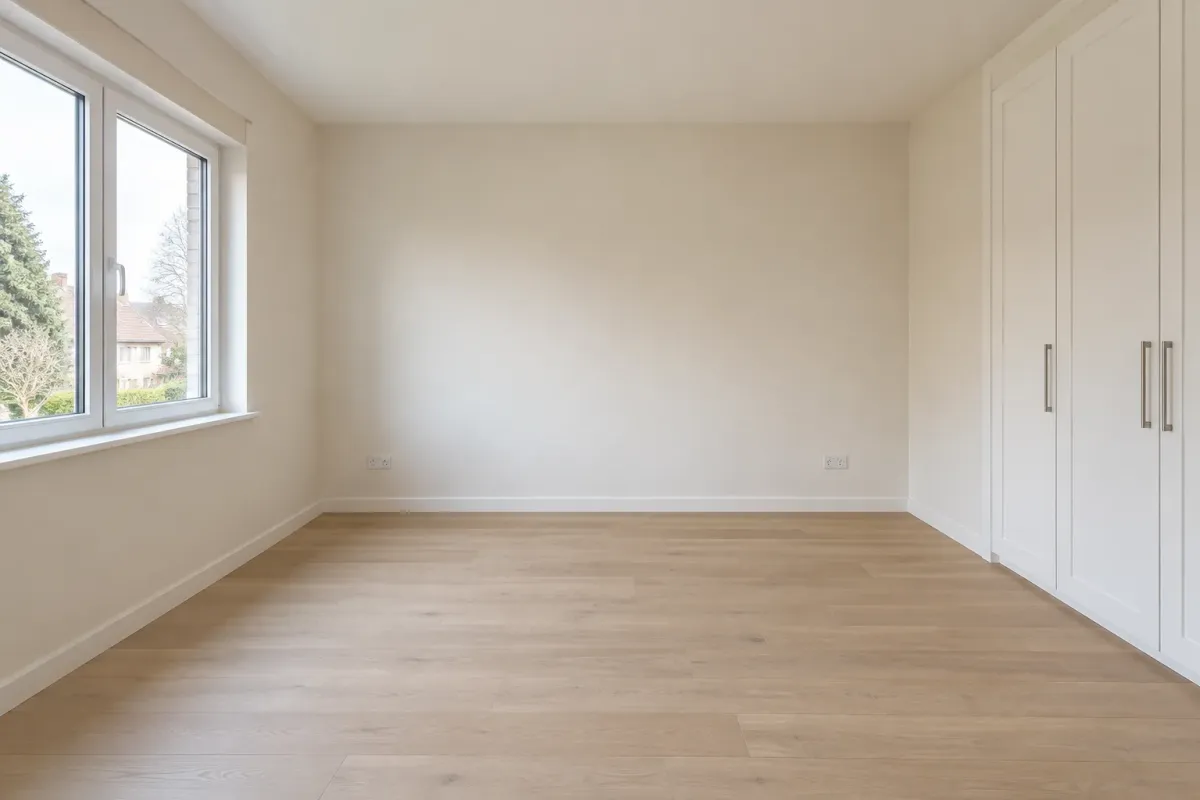
AI Room Design — Scandinavian
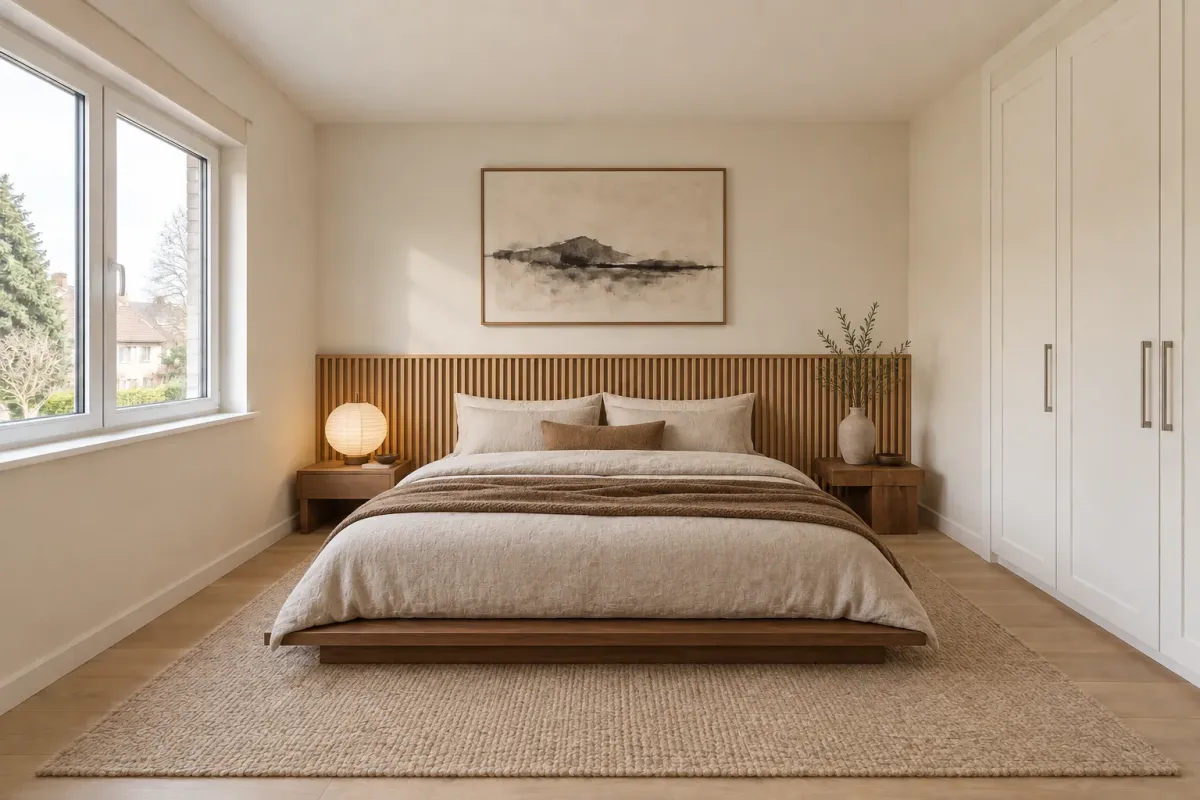
AI Room Design — Japandi
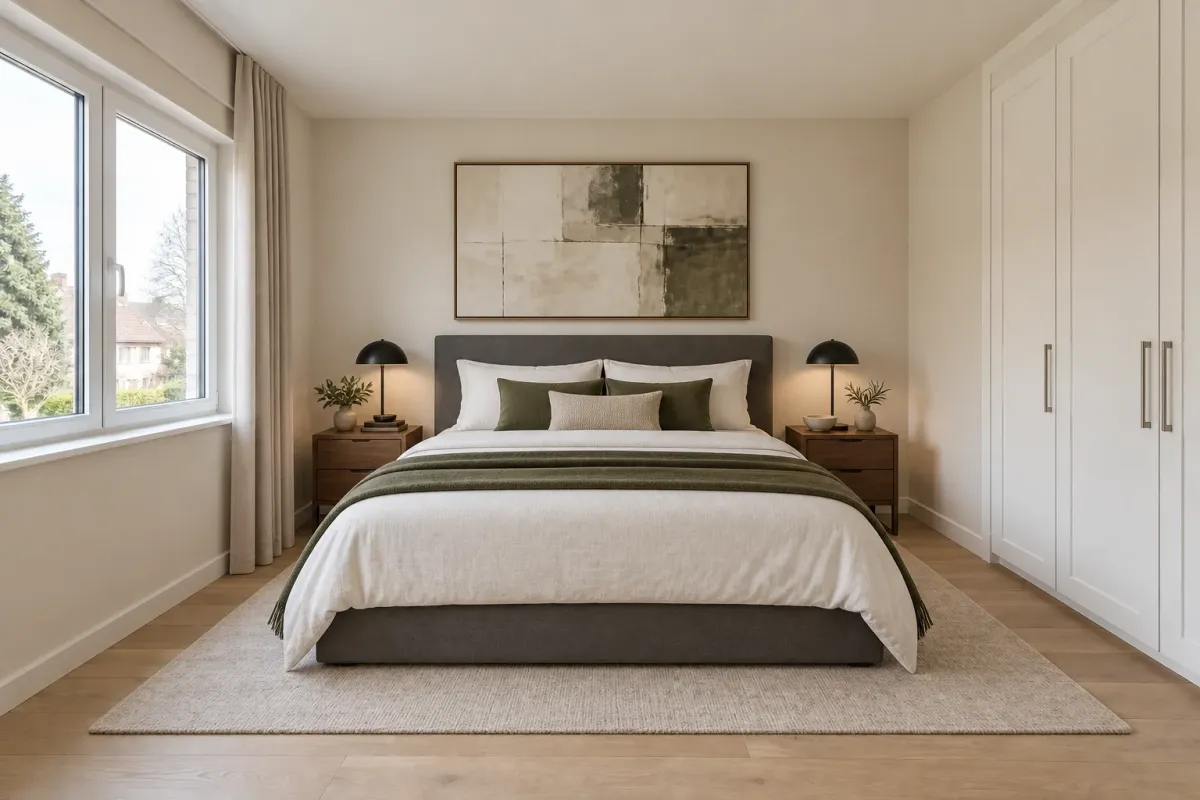
AI Room Design — Modern
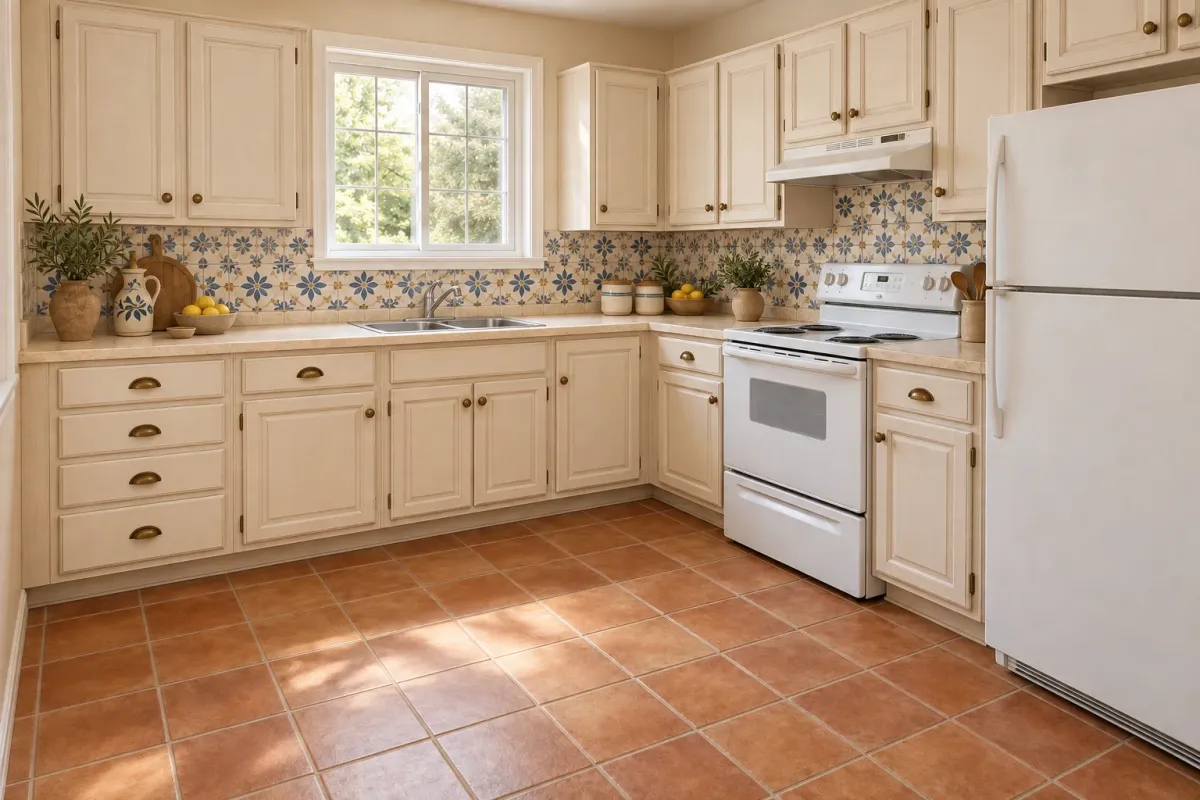
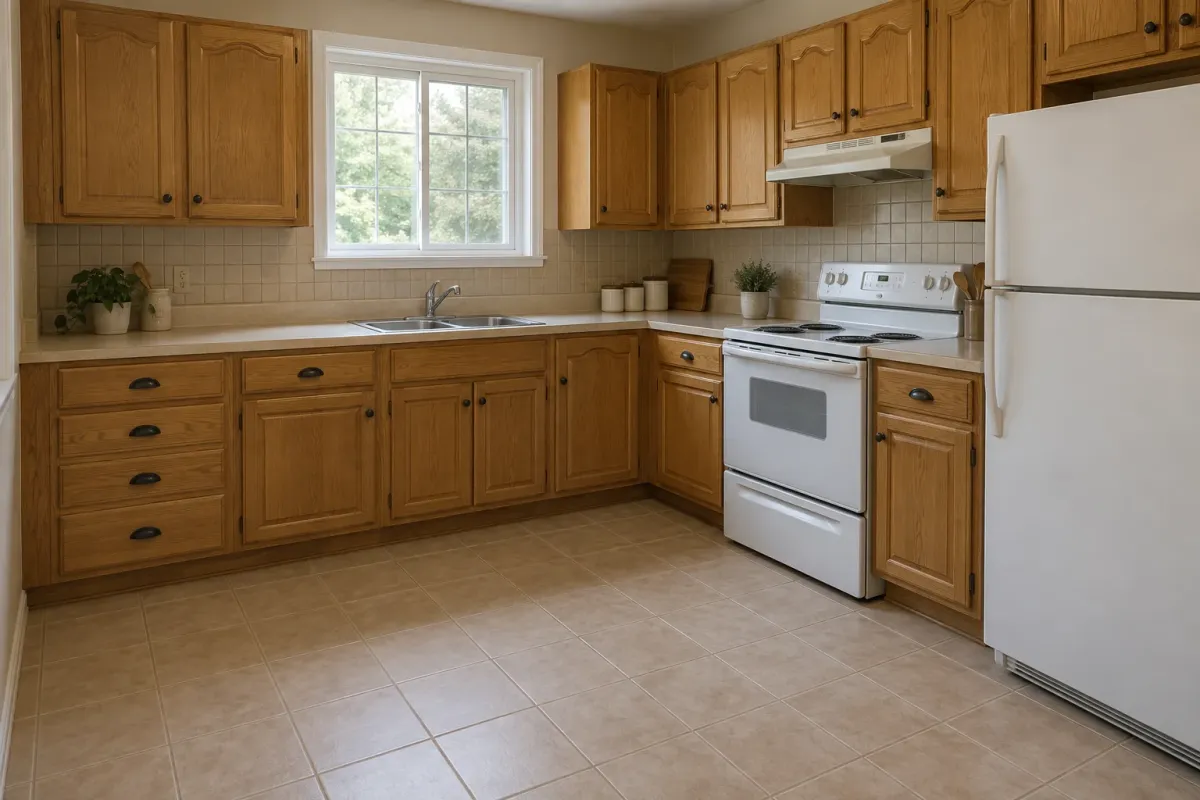
AI Room Design — Mediterranean
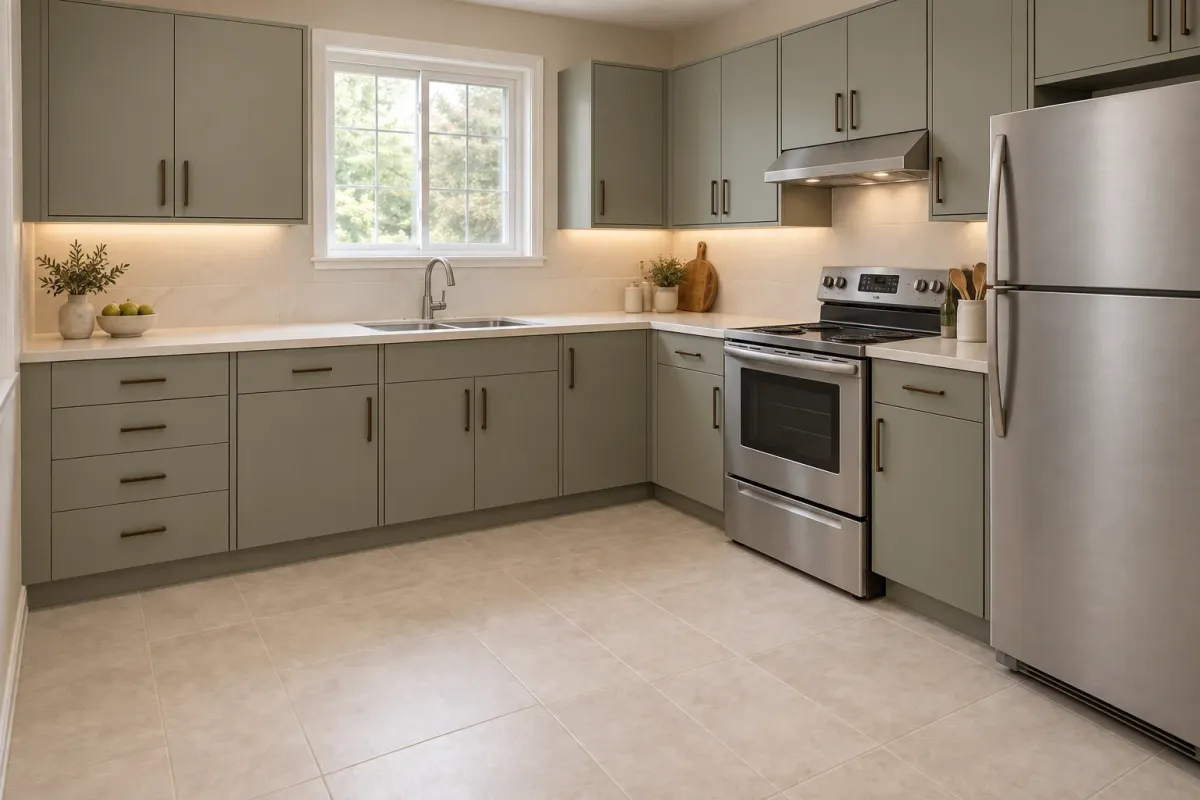
AI Room Design — Contemporary
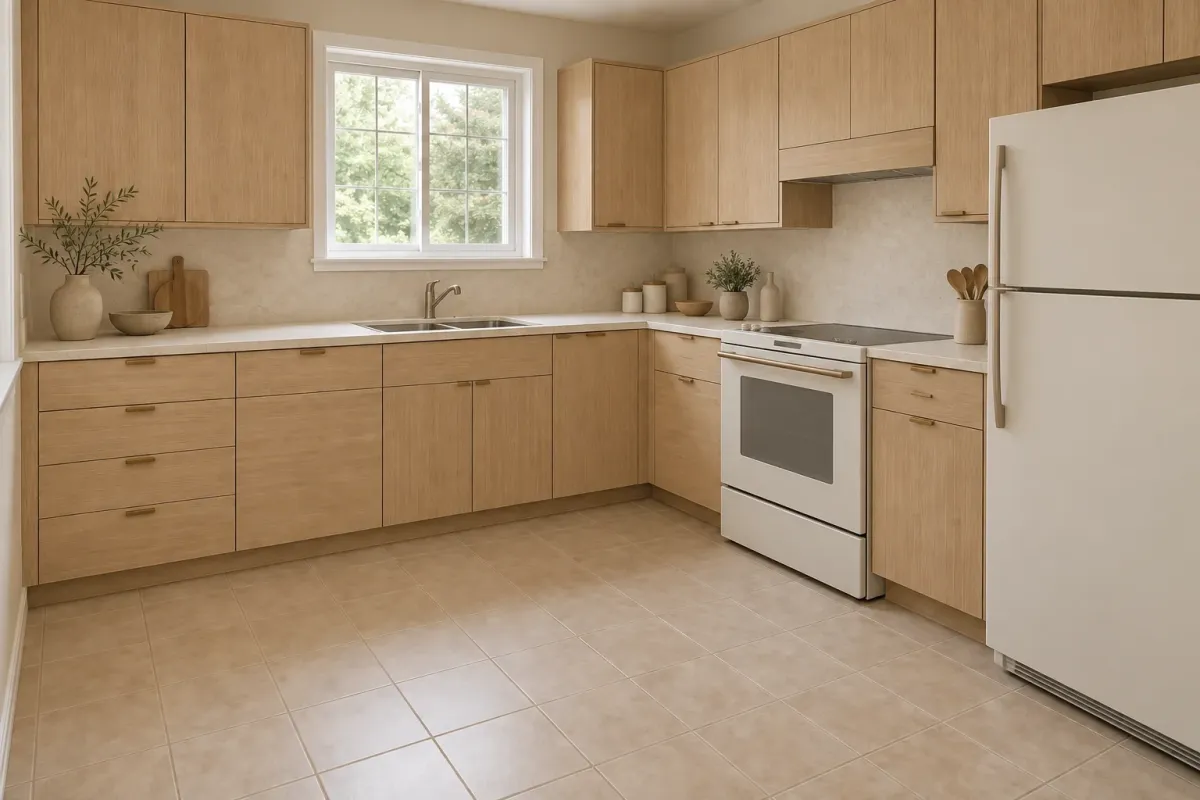
AI Room Design — Japandi
Not sure which direction to choose? Use one room photo to explore different styles. Compare colors, furniture, and decorative details, then use your favorite ideas as a starting point for your room makeover.
A useful starting photo makes your room easier to understand. No floor plan or design experience is needed.
A better photo, a better starting point
Keep the camera level and show how the room fits together. A few small changes to your angle can make walls, furniture, and daylight easier to read.
Shoot from a corner at eye level, with the sofa, floor, and window wall in view.
A close-up of the sofa hides circulation; shooting into a bright window loses detail in the room.
Stand near the doorway and include the bed wall, bedside space, and wardrobe.
Cropping the bed or hiding the wardrobe makes furniture scale and clearance harder to interpret.
Photograph diagonally across the room so cabinets, worktops, and appliances are visible together.
Glossy reflections and objects covering the worktop can obscure edges; extreme wide angles bend cabinet lines.
Shoot from the doorway with the camera level, showing the vanity, shower, and floor where possible.
Mirrors can duplicate fixtures, while glare and tight crops make the layout ambiguous.
Use a three-quarter view that includes the desk, chair, storage, and nearest window.
Cables and clutter hide furniture edges; a head-on desk close-up leaves too little context for the room.
Two different briefs for a room photo: explore a home you want to live in, or help buyers picture an unfurnished property.
Start with a lived-in room and rethink furniture, colors, and finishes around your taste. Use the image to decide what to keep, refresh, or replace.
Add furnishings to an empty or sparsely furnished space for presentation. The priority is a clear sense of use and scale while preserving the property's existing features.
Start with one room and one idea. Compare the result, keep what you like, and refine your next design.
Free AI Room Design OnlineAI Room Design
Choose a style and see a fresh design for your room, side by side with the original.
Try AI Room Design Free