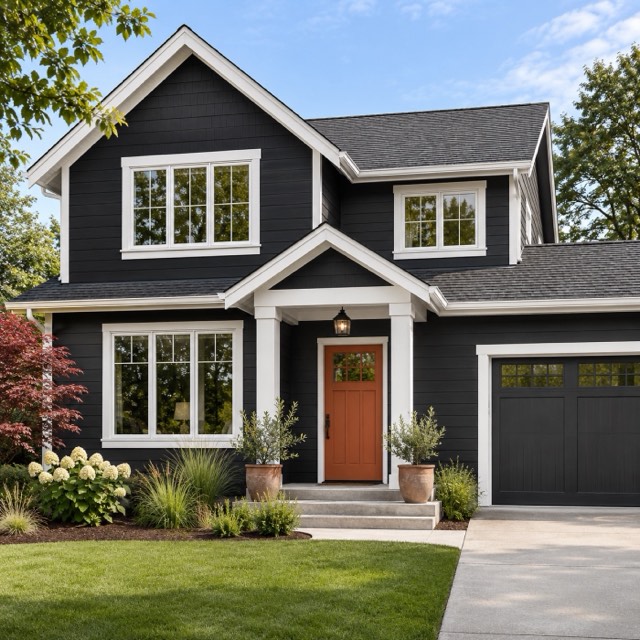
Modern
Simple trim, clean surfaces and a restrained palette bring out the existing lines of your home.
Try this paletteAI Exterior Paint Visualizer
Upload a photo of your house and test realistic color combinations in seconds with our AI exterior paint visualizer. Preview siding, brick, stucco, trim, shutters, and your front door before buying paint, with no manual masking.
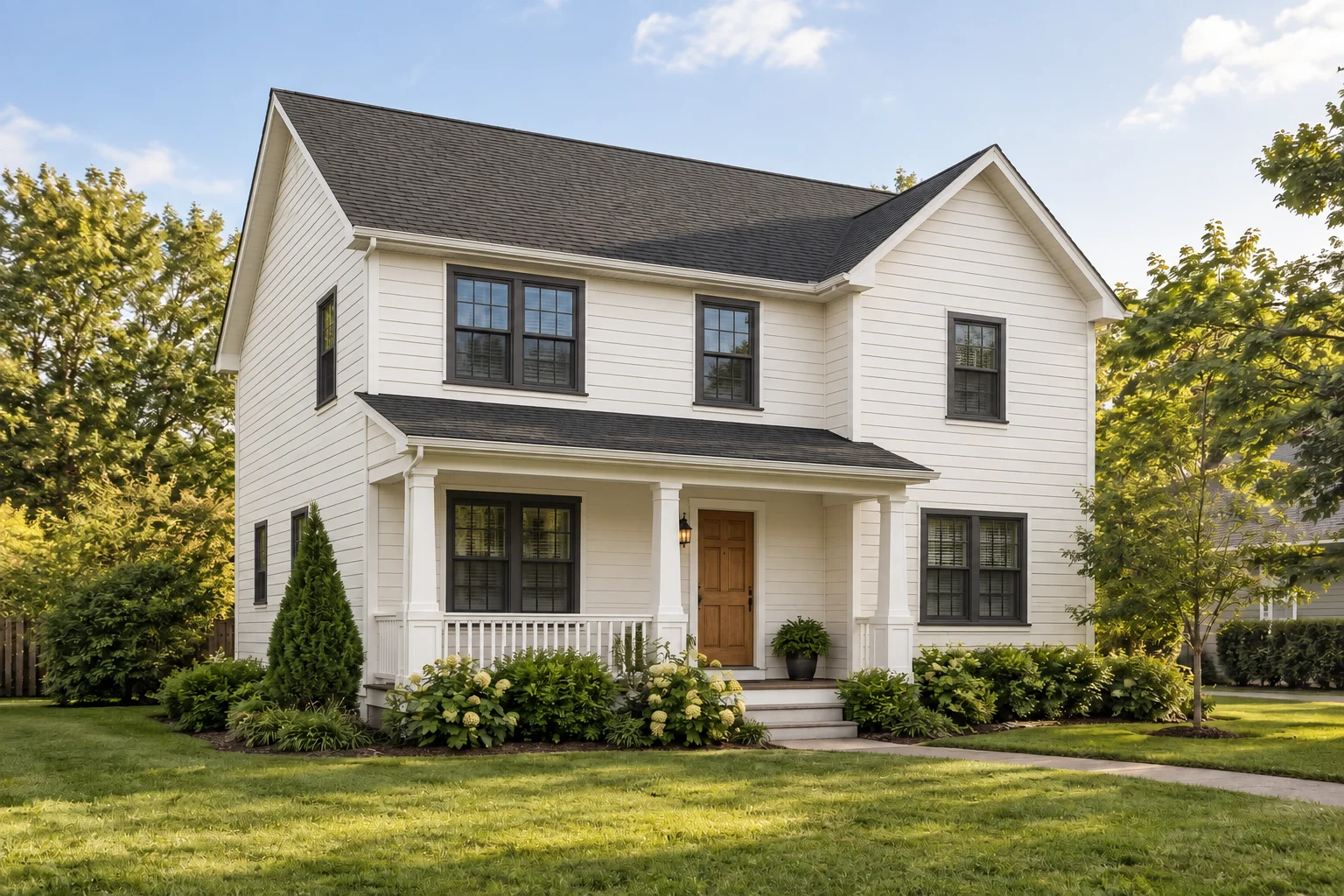
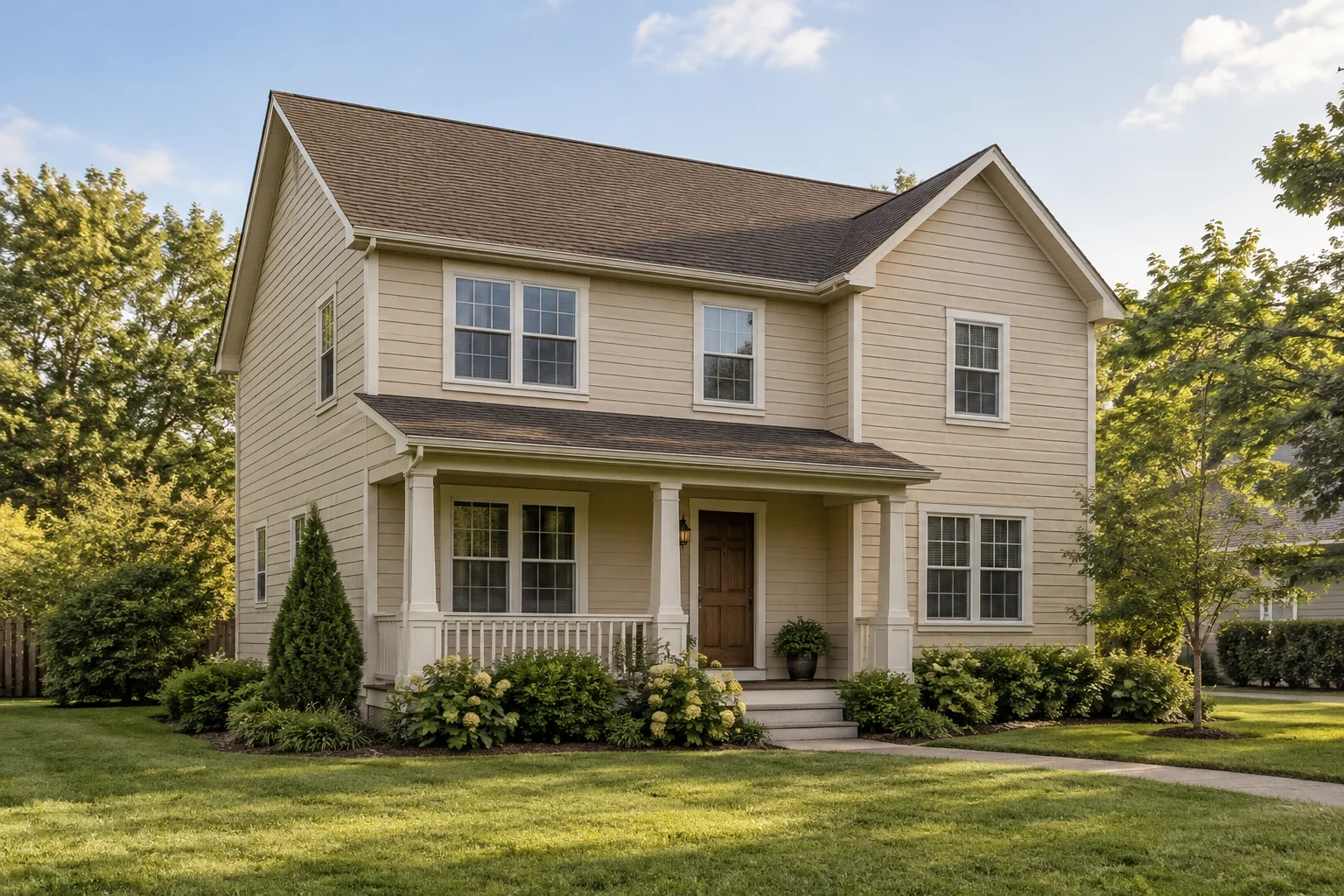
Drag to compare the two concepts
YOUR HOME. A NEW FIRST IMPRESSION.
This virtual exterior paint visualizer keeps daylight, roof overhangs, shadows, and material texture visible while you test a new color on the parts of your home that matter.
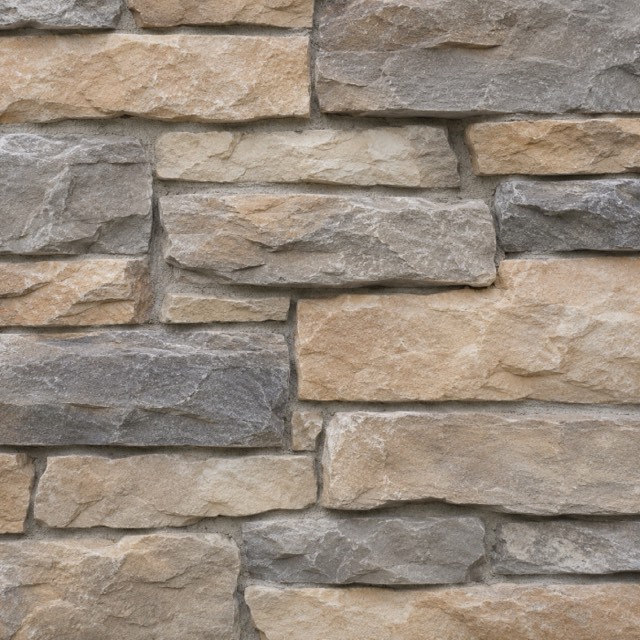
Click a trending palette to load it into the virtual exterior paint visualizer, then preview the body, trim, and accent direction on your own home.
Simple trim, clean surfaces and a restrained palette bring out the existing lines of your home.
Try this palette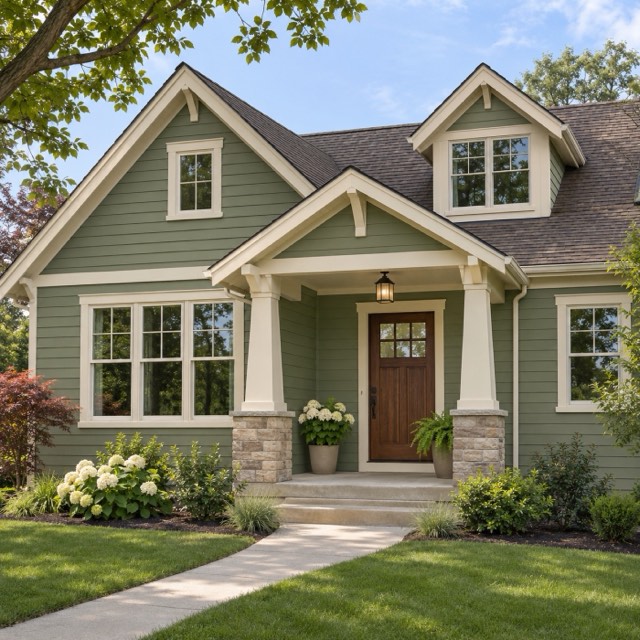
White siding and warm timber accents create an inviting look with a relaxed rural character.
Try this palette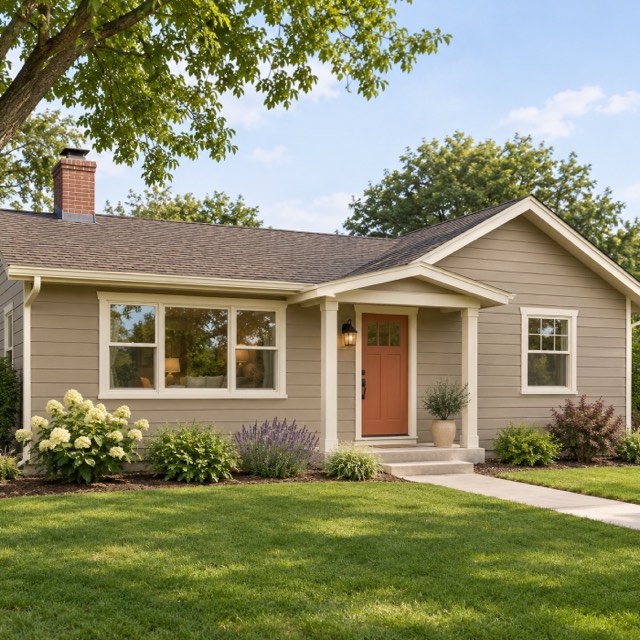
Earthy colors, stone accents and considered wood details suit a home with handcrafted character.
Try this palette
Explore classic brick, balanced trim and quieter color combinations for a traditional facade.
Try this palette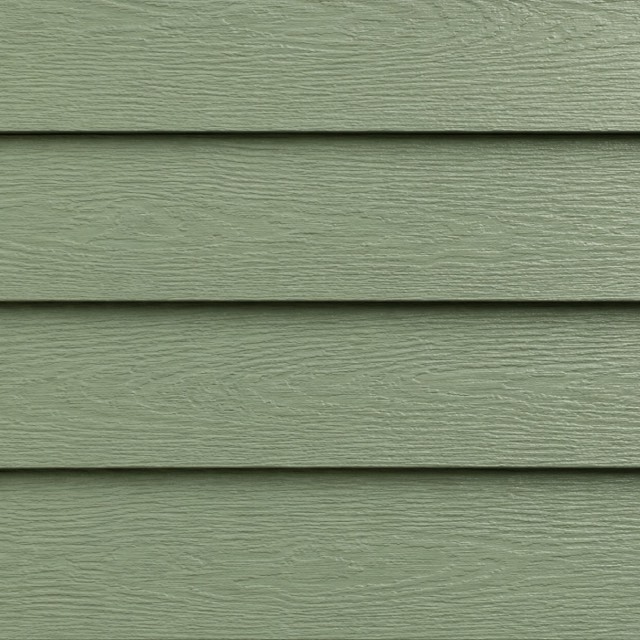
Warm stucco, terracotta tones and natural stone suggest a sunlit, textured exterior.
Try this palette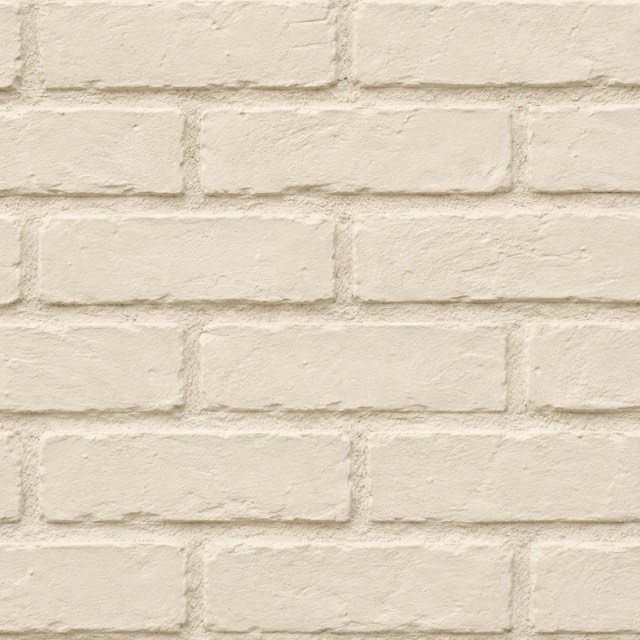
Combine pale surfaces and richer accents to give familiar forms a fresh visual rhythm.
Try this paletteHow to try AI home exterior design free
Start with a JPG, PNG or WebP showing the whole facade. A sharp front or side view with visible windows and roof edges gives the tool a useful reference. Crop away distractions while keeping the parts of the building you want to compare.
Pick a template or describe your own direction. Explore siding, brick, stone or a mix of materials, then choose the season and light. Add specific preferences such as a dark roof or a timber door, and review the model and number of variations.
Generate, compare, and save a realistic result from the exterior paint visualizer. Review before and after renderings, then download a preview to share with your family or contractor.
When you are ready to paint a house exterior, this exterior paint visualizer detects walls, trim, doors, and other architectural surfaces automatically.
| Surface selection | Traditional visualizer | Our AI visualizer |
|---|---|---|
| Surface selection | Manual tracing and masking | Automatic wall, trim, and door detection |
| Lighting and texture | Flat color overlay | Preserves shadows and material grain |
| Color flexibility | One paint brand at a time | Explore multi-brand inspiration and custom HEX colors |
| Time per concept | 10–15 minutes | A preview in seconds |
Use the exterior paint visualizer to compare vinyl siding, painted brick, stucco, wood clapboard, fiber cement, and stone veneer while natural texture stays in view.
Compare the linear texture of vinyl siding or fiber cement with the warmth of brick and the smoother look of stucco. Specify horizontal or vertical cladding when that detail matters to your exterior redesign.
Try dark shingles against a pale facade, or a softer roof color beside warm walls. Keep gutters, window frames and trim in the same visual study to see whether the contrasts feel balanced.
A timber front door, a quieter garage door color or a lighter porch can shift the emphasis of an entrance. Keep the driveway and access points visible when evaluating the front-of-house design.
Look at exterior paint colors beside existing trees, paths and planting. A muted wall can give landscaping more presence; a stronger accent can draw attention to the entry and improve the curb appeal you are aiming for.
Follow these quick habits before opening the exterior paint visualizer: use even daylight, include the roof and landscaping, and confirm finalists with physical paint swatches.
Upload your house photo to the exterior paint visualizer, compare color combinations in seconds, and choose a confident direction before you buy paint.
Try it with your own photo